AI Video Extender

Continue any clip with the video model you choose: Kling 3.0, Veo 3.1, Seedance 2.5, Wan 3.0 and 30+ more. Each extension adds 3 to 30 seconds depending on the model, and you can extend the result again.
Extend Your Video Now
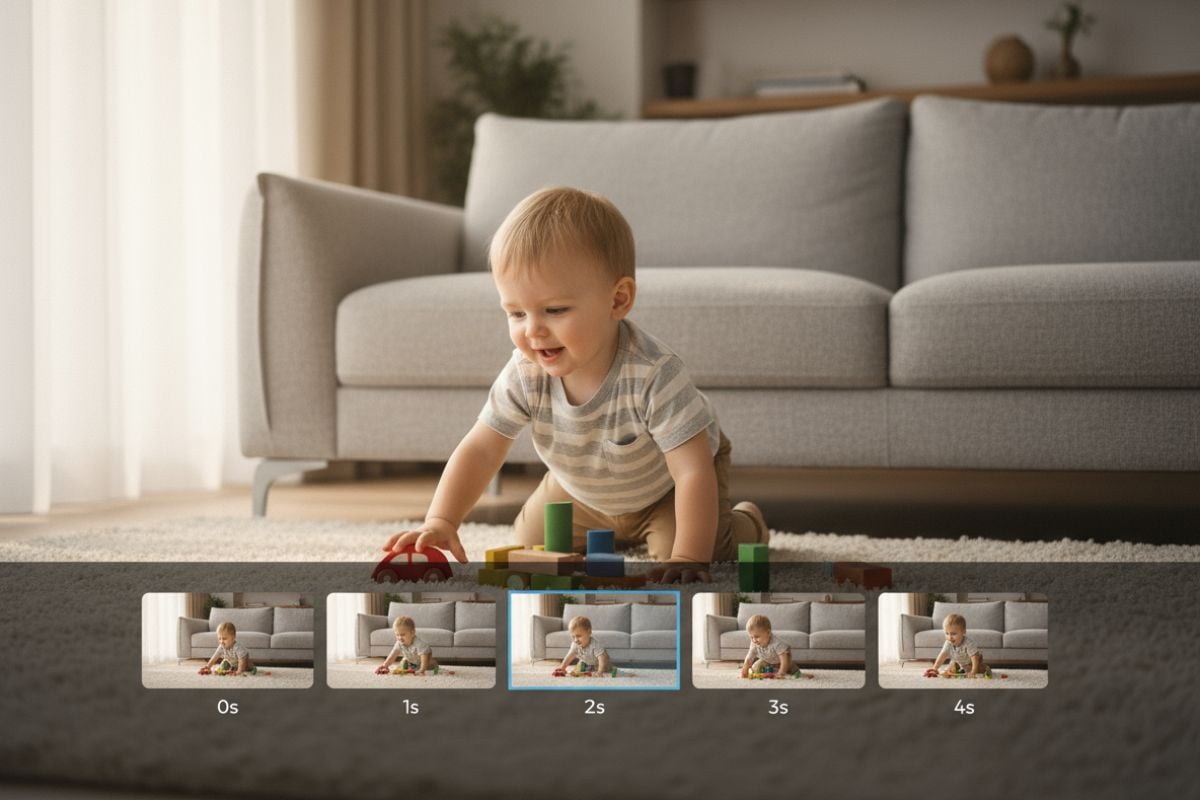
How to Extend a Video with AI

01

Upload your clip

Upload the video you want to continue. MP4 works best, and short clips under 30 seconds give the most reliable results.

02

Pick a model

Choose from 30+ video models. The model decides how long each extension can be (3 to 30 seconds), the maximum resolution (up to 4K with Kling 3.0) and whether sound is generated.

03

Describe what happens next

Write what should happen after your clip ends, such as an action, a camera move or a new scene, then generate. Need more length? Run the extender again on the result.

Choose the Right Model for Your Extension

ModelLongest single extensionMax resolutionNative audio
Kling 3.015 seconds4KYes
Veo 3.1 Fast8 seconds1080pYes
Seedance 2.530 seconds720pYes
Seedance 2.015 seconds1080pYes
Wan 3.030 seconds1080pYes
Vidu Q3 Pro16 seconds1080pYes
Hailuo 2.310 seconds1080pNo

GoEnhance vs Adobe Generative Extend vs Luma Extend

GoEnhance AI Video ExtenderAdobe Premiere Generative ExtendLuma Dream Machine Extend
Where it runsIn your browser, nothing to installInside the Premiere Pro desktop appInside Luma Dream Machine
Models30+ models including Kling 3.0, Veo 3.1, Seedance 2.5, Wan 3.0, Runway Gen-4 and Luma Ray2Adobe FireflyLuma models
How you extendWrite a prompt for what happens next, then pick model, length and resolutionDrag the start or end of a clip on the timelineOptional prompt, plus an optional end keyframe
Length per extension3 to 30 seconds, depending on the modelA few extra frames at the start or end of a clip—
SoundGenerated with the video on models such as Kling 3.0, Veo 3.1 and SeedanceExtends ambient sound; spoken dialogue and music are not extended—
AvailabilityAny modern browserNot available in China, Russia or Belarus—
Best forContinuing a scene with the model that suits it bestEditors adding a beat or covering a transition in PremiereContinuing Dream Machine generations toward a set end frame

What the AI Video Extender Does

Continues the Scene, Not a Loop

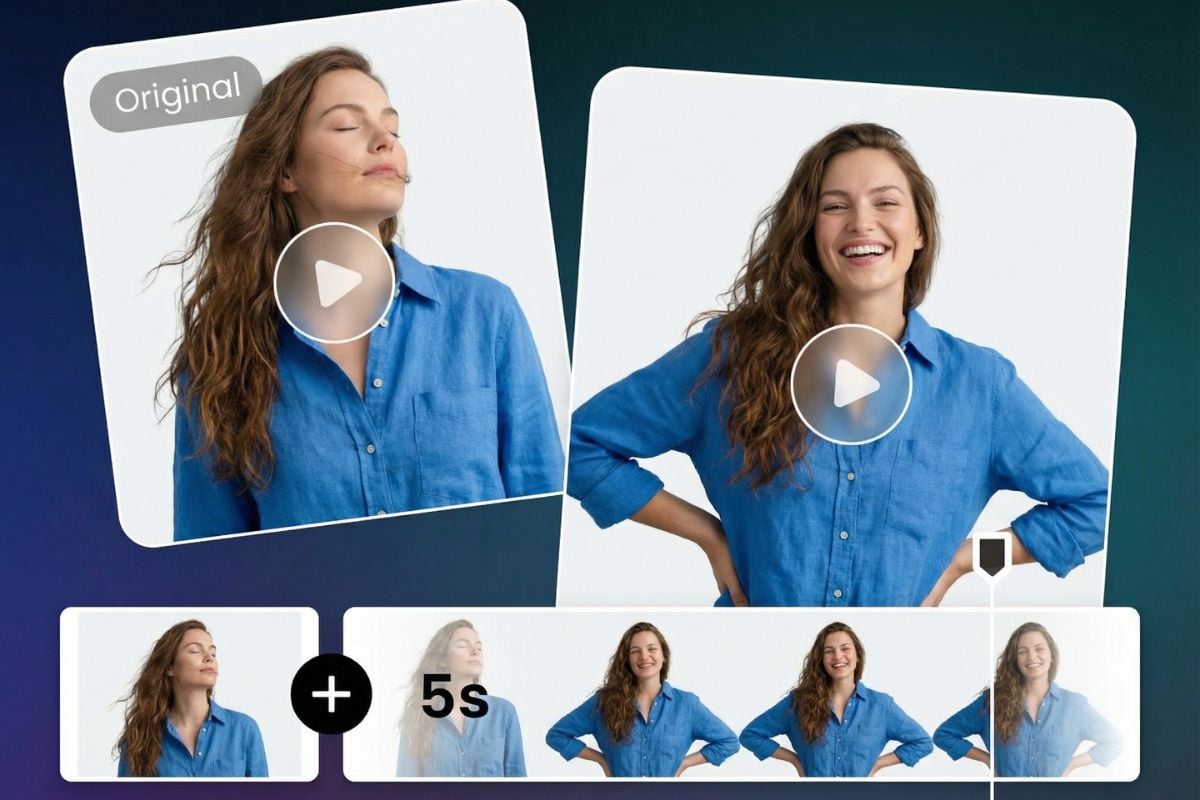
New footage follows the motion, framing and lighting of your clip, so the extension plays as one continuous shot instead of a repeated loop or a hard cut.

smooth AI video expender online free

You Decide What Happens Next

Describe an action, a camera move or a new event, and the extension follows your prompt, from a small gesture to a full change of scene.

Prompt-Driven Flexibility

Choose Length and Quality per Model

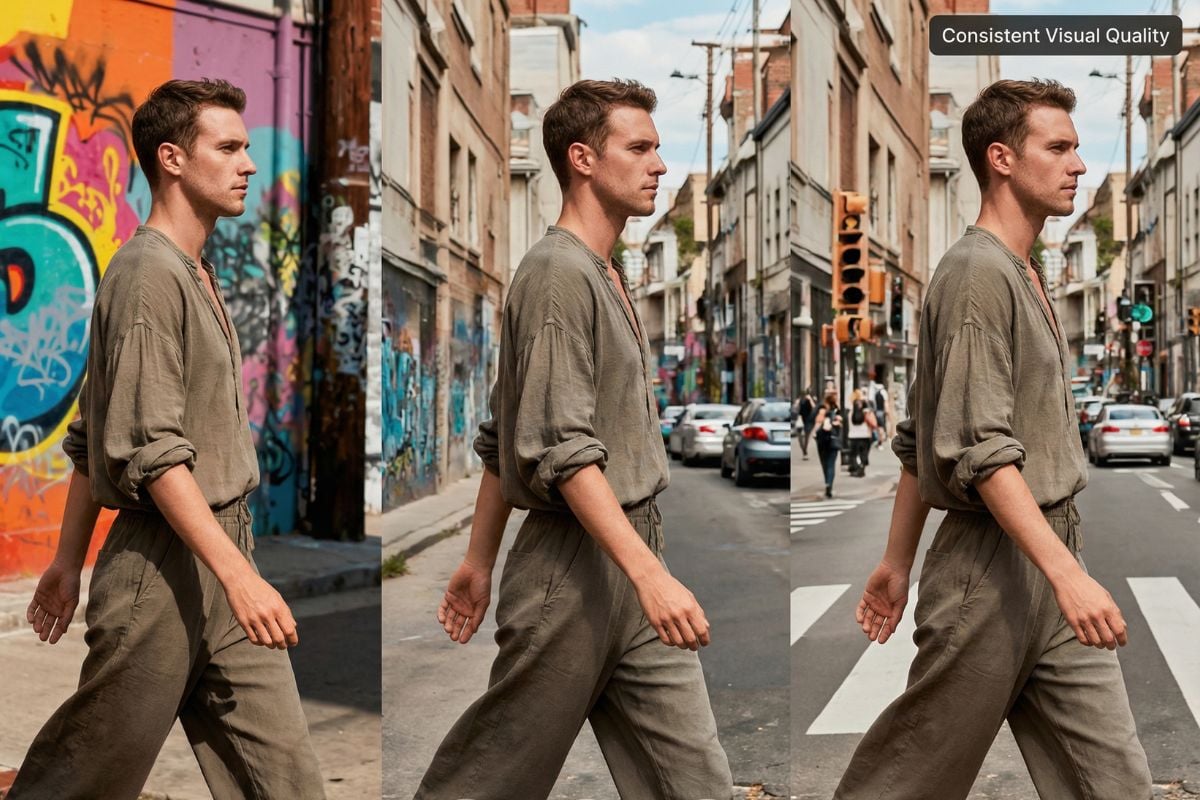
Go up to 4K with Kling 3.0, or add up to 30 seconds in a single extension with Seedance 2.5 or Wan 3.0. Every model shows its own limits before you generate.

figure consistent

Works with People, Animation and Scenery

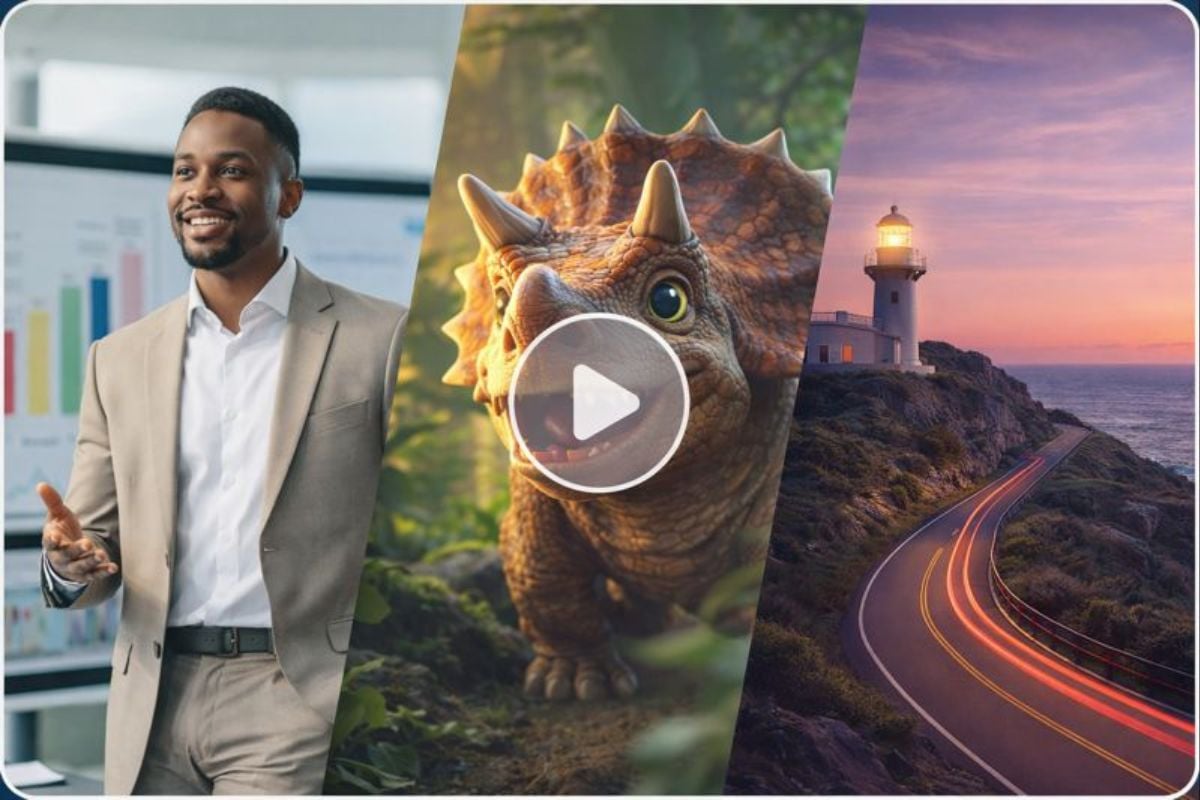
Talking-head clips, animated shots and landscapes can all be extended the same way. Pick a model that matches your footage to keep the look and pacing consistent.

used for animation, realistic people and landscape

Sound for the New Footage

Models with native audio, such as Kling 3.0, Veo 3.1, Seedance and Wan 3.0, generate sound together with the extension. Starting from a still image? Create the first clip with image to video, then extend it.
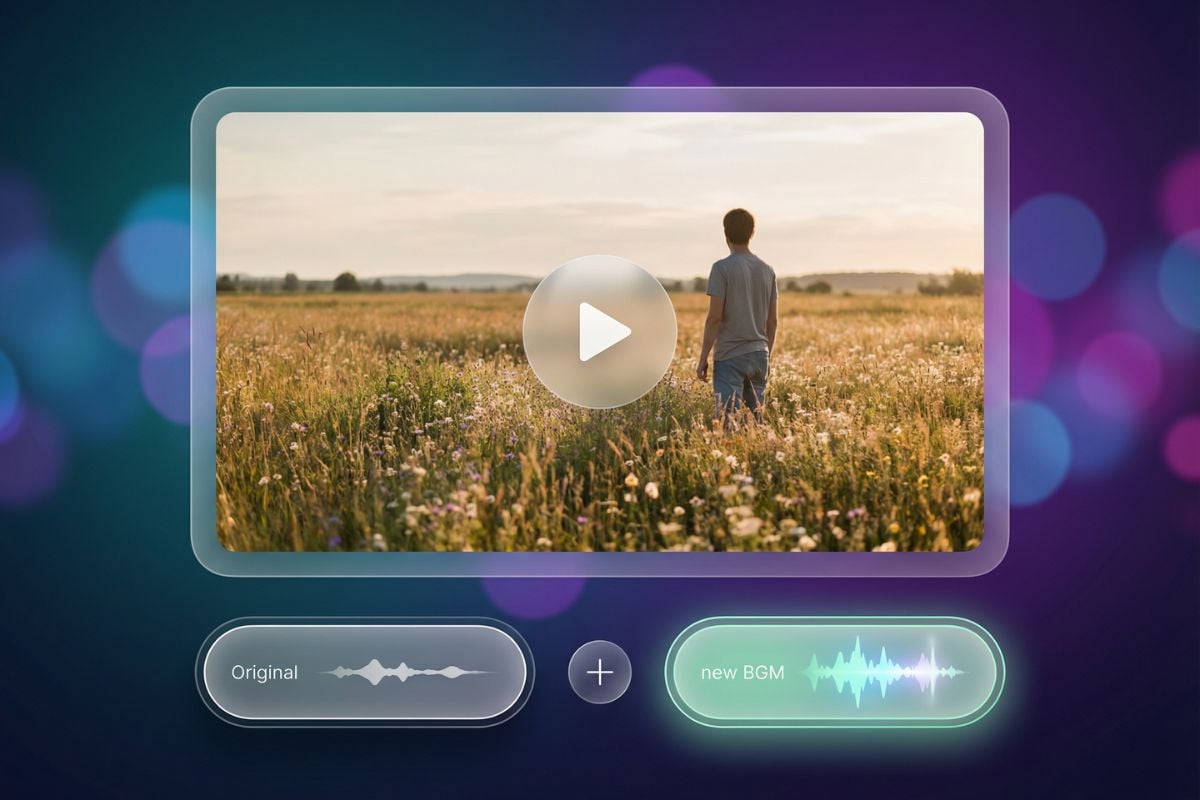
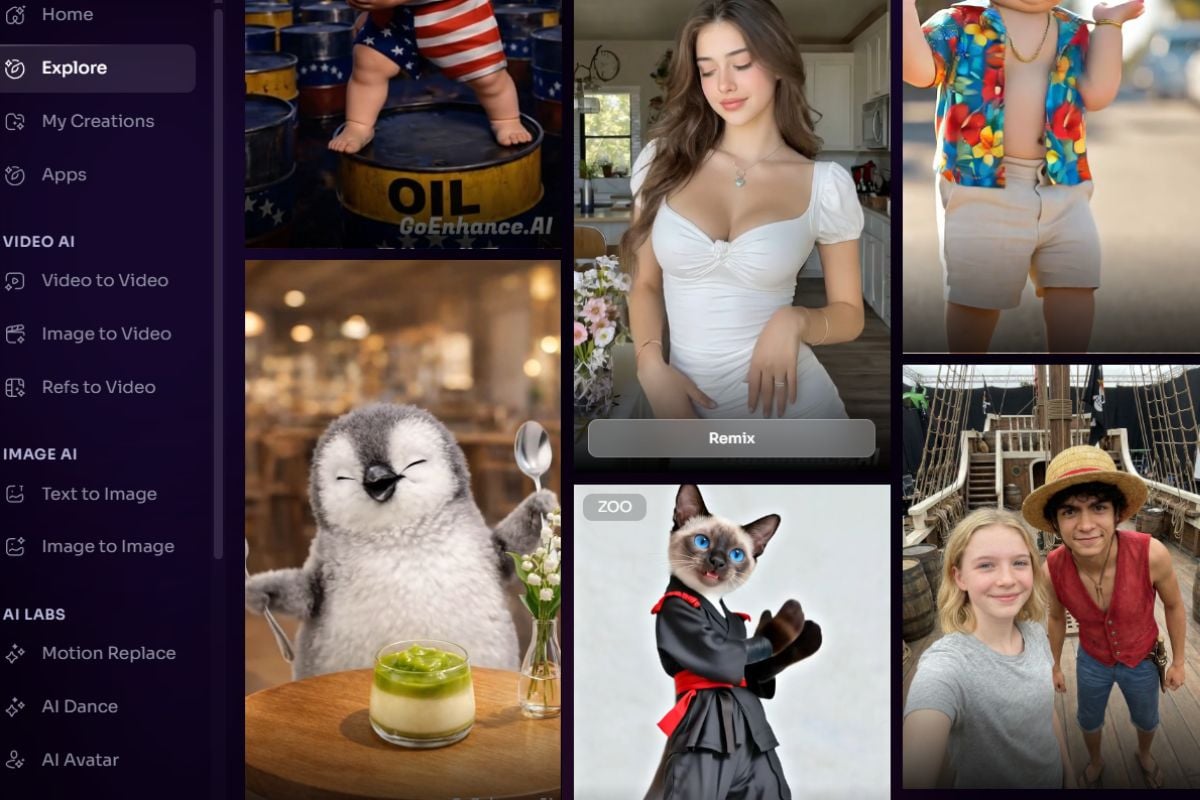
AI video extension with generated sound

Extend Clips from Any Generator

Made a clip on GoEnhance or with another AI video tool? Upload it and keep the story going, even with a different model than the one that created it.

extend AI videos made with other tools
Built for creators, marketers and educators

Why Use Our AI Video Extender?

No Editing Needed

Extend a clip with natural continuity, with no timeline editing or plugins.

30+ Models in One Place

Kling, Veo, Seedance, Wan, Vidu, Hailuo, Runway Gen-4, Luma Ray2 and more, all on one credit balance.

Works with Any Style

Realistic, animated or cinematic footage can all be continued.

Runs in the Cloud

Generation happens on our servers, so your own device does not need a powerful GPU.

Web and Mobile

Nothing to download. It works in any modern browser on desktop or mobile.

Free to Try

Start with free credits. Paid plans remove the watermark and unlock higher resolutions.
Frequently Asked Questions

AI Video Extender FAQ

What is an AI video extender?

An AI video extender adds new footage after the end of an existing clip. GoEnhance generates the continuation with the video model you choose and follows your prompt for what happens next.

How long can I extend a video?

Each extension adds 3 to 30 seconds, depending on the model: up to 8 seconds with Veo 3.1, 15 seconds with Kling 3.0, and 30 seconds with Seedance 2.5 or Wan 3.0. To make a clip longer, run the extender again on the result.

Which model should I choose?

For the highest resolution, use Kling 3.0 (up to 4K). For the longest single extension, use Seedance 2.5 or Wan 3.0 (up to 30 seconds). If you need sound, pick a model with native audio, such as Kling 3.0, Veo 3.1 or Seedance 2.0.

Will the extended part have sound?

Yes, when you choose a model with native audio. Kling 3.0, Veo 3.1, Seedance, Vidu Q3 Pro and Wan 3.0 generate sound together with the new footage. Other models return video only.

What videos work best?

Short MP4 clips under 30 seconds give the most reliable results. Ending on a clear, steady frame helps the extension continue smoothly.

How is this different from Premiere Pro's Generative Extend?

Premiere's Generative Extend runs inside the Premiere Pro desktop app and adds a few frames to the start or end of a clip, mainly to cover edits. GoEnhance runs in the browser, lets you describe what happens next, and adds 3 to 30 seconds per extension with the model you pick.

Is it free?

You can try it with free credits. Watermark-free and higher-resolution exports require a paid plan.

Is my video private?

We do not sell your content. To create the extension, your video and prompt are sent to the provider of the model you pick, for example Google for Veo or Kuaishou for Kling. Your results stay in your account until you delete them. See our Privacy Policy for details.

Start Extending Your Videos with AI

No editing. No reshooting. Just your video, your idea, and our AI.

Try AI Video Extender Now