
Video To Animation Converter
Convert videos into 3D animation, Pixar, or claymation styles with AI.
Get Started for Free
Stable and Reliable

Save Time, 10x Faster

Grow Your Channel

High-Quality Output
Use Cases
Explore what a video to animation converter can do with different scenes and styles. These examples show how real footage can be turned into animated videos with smooth motion, strong visual style, and clean, shareable results.
GoEnhance AI Video to Animation Examples
- Video to Animation Quality Comparison: Compare how different AI tools transform the same reference video.
- OOTD Video to Animation: Turn outfit clips into clean illustrated fashion videos.
- Children’s Storybook Video to Animation: Convert real footage into a soft illustrated storybook style.
- Fitness Video to Animation: Restyle workout footage without losing the movement.
- Wellness Video to Animation: Create soft, calm, and relaxing stylized videos.
- Dance Video to Animation: Convert dance videos into stylized motion clips.
Video to Animation Quality Comparison
Use the same source clip to compare motion stability, subject consistency, style accuracy, and overall visual quality. GoEnhance AI helps turn real footage into a cleaner animated video while keeping the main pose, movement, and scene structure clear.
| Reference Video | Generated by Luma AI | Generated by Domo AI | Ours |
|---|---|---|---|
OOTD Video to Animation
GoEnhance AI can convert daily outfit videos into a bright 2D animated look with cleaner lines, softer colors, and a more polished character style. It works well for OOTD posts, fashion reels, lifestyle edits, and creator videos that need a more distinctive visual identity.
| Original Video | Converted Video |
|---|---|
Children’s Storybook Video to Animation
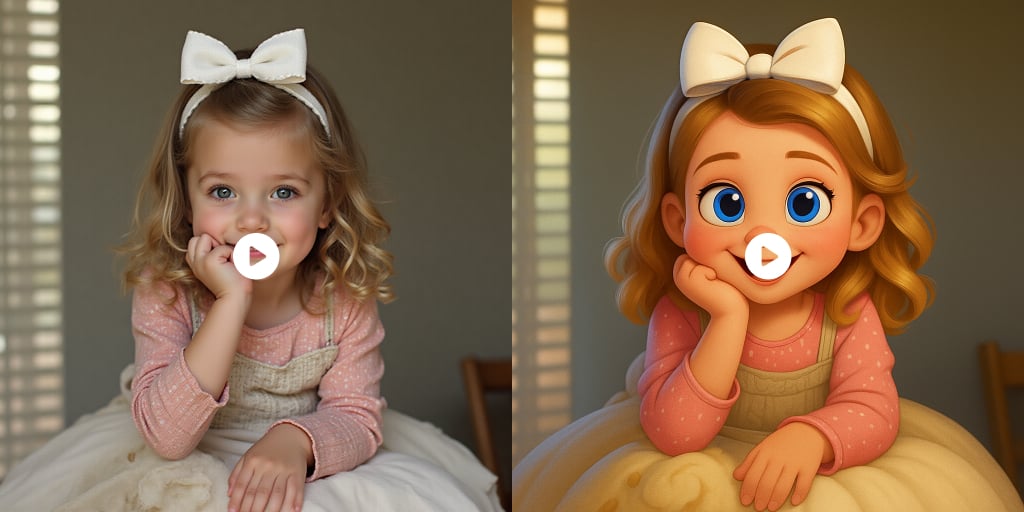
GoEnhance AI can restyle ordinary clips into a gentle children’s storybook video with simple shapes, warm colors, and a friendly illustrated feeling. It is a good fit for family-friendly content, educational shorts, cozy storytelling clips, and soft animated videos.
| Original Video | Converted Video |
|---|---|
Fitness Video to Animation
GoEnhance AI helps transform fitness and training videos into a more energetic animated style while keeping the body motion readable. It is useful for workout demos, gym reels, sports clips, and short-form fitness content that needs stronger visual appeal.
| Original Video | Converted Video |
|---|---|
Wellness Video to Animation
GoEnhance AI can turn wellness, lifestyle, yoga, meditation, and daily routine clips into a softer visual style. The result feels calmer and more polished, making it suitable for self-care content, relaxing short videos, and gentle brand storytelling.
| Original Video | Converted Video |
|---|---|
Dance Video to Animation
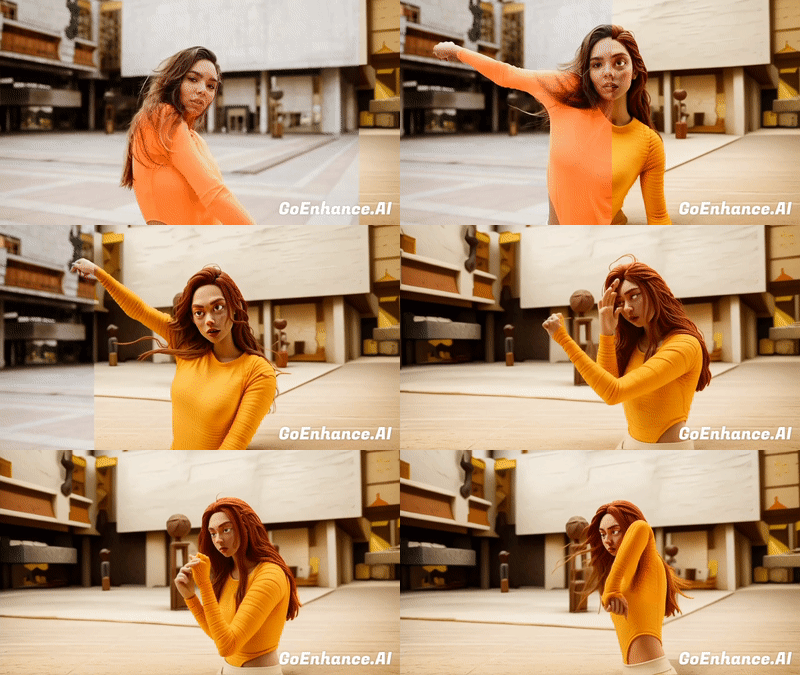
GoEnhance AI can restyle dance clips into creative animated looks while keeping the rhythm and body movement clear. It is ideal for TikTok dances, music edits, social challenges, character-style videos, and short performance clips.
| Original Video | Converted Video |
|---|---|
Explore Features of Video to Animation
Turn Video into Animation with Better Motion Flow
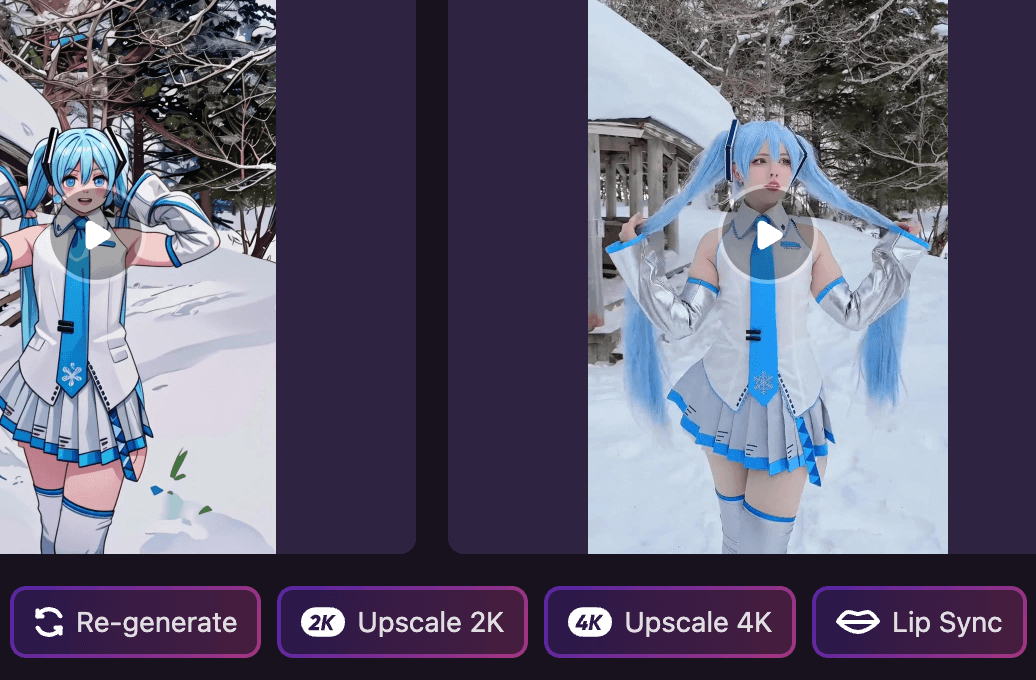
Keep movement expressive while giving your footage a fully animated look. This tool helps creators turn clips into stylized animation with smoother motion, cleaner frame consistency, and results that feel ready for sharing. It also works well alongside our AI video generator workflow for broader creative projects.
How to Use GoEnhanceAI Video to Animation?
Step 1
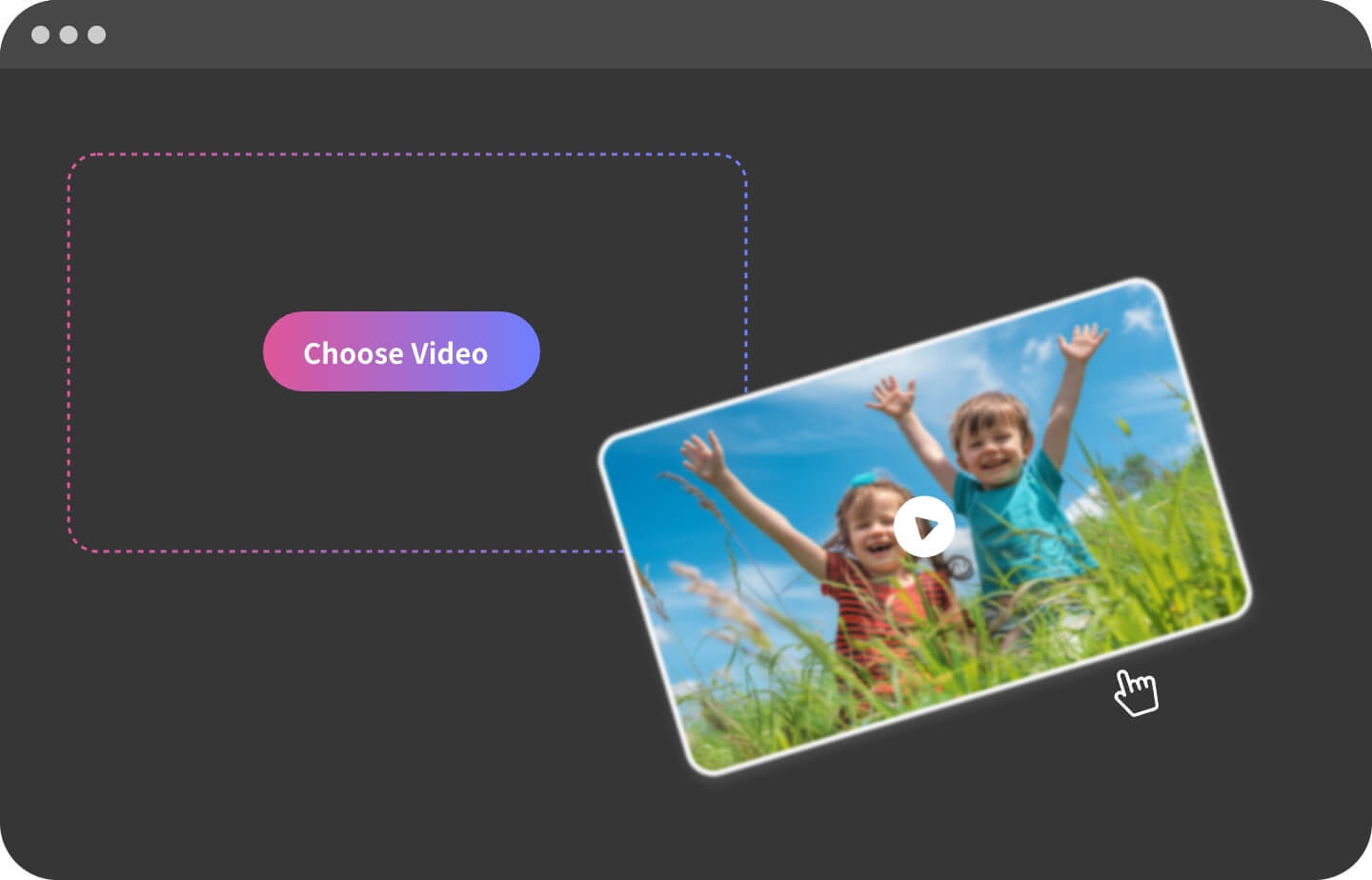
Upload Your Video
Begin by uploading the video you want to change style. To ensure the video is clear and stable, avoiding shaky or blurry footage. This will be the foundation for the transform process.
Step 2
Select an Animation Style
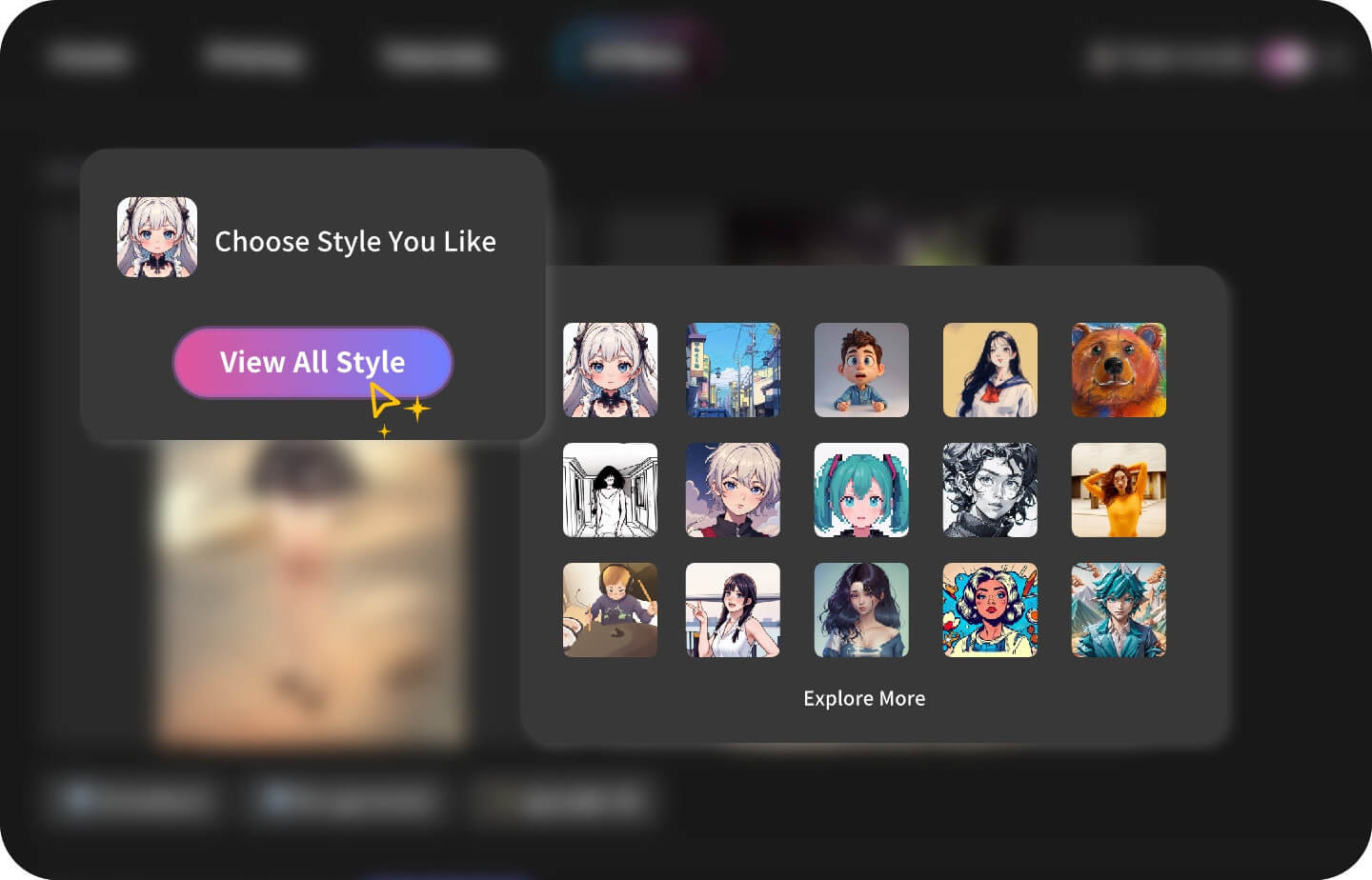
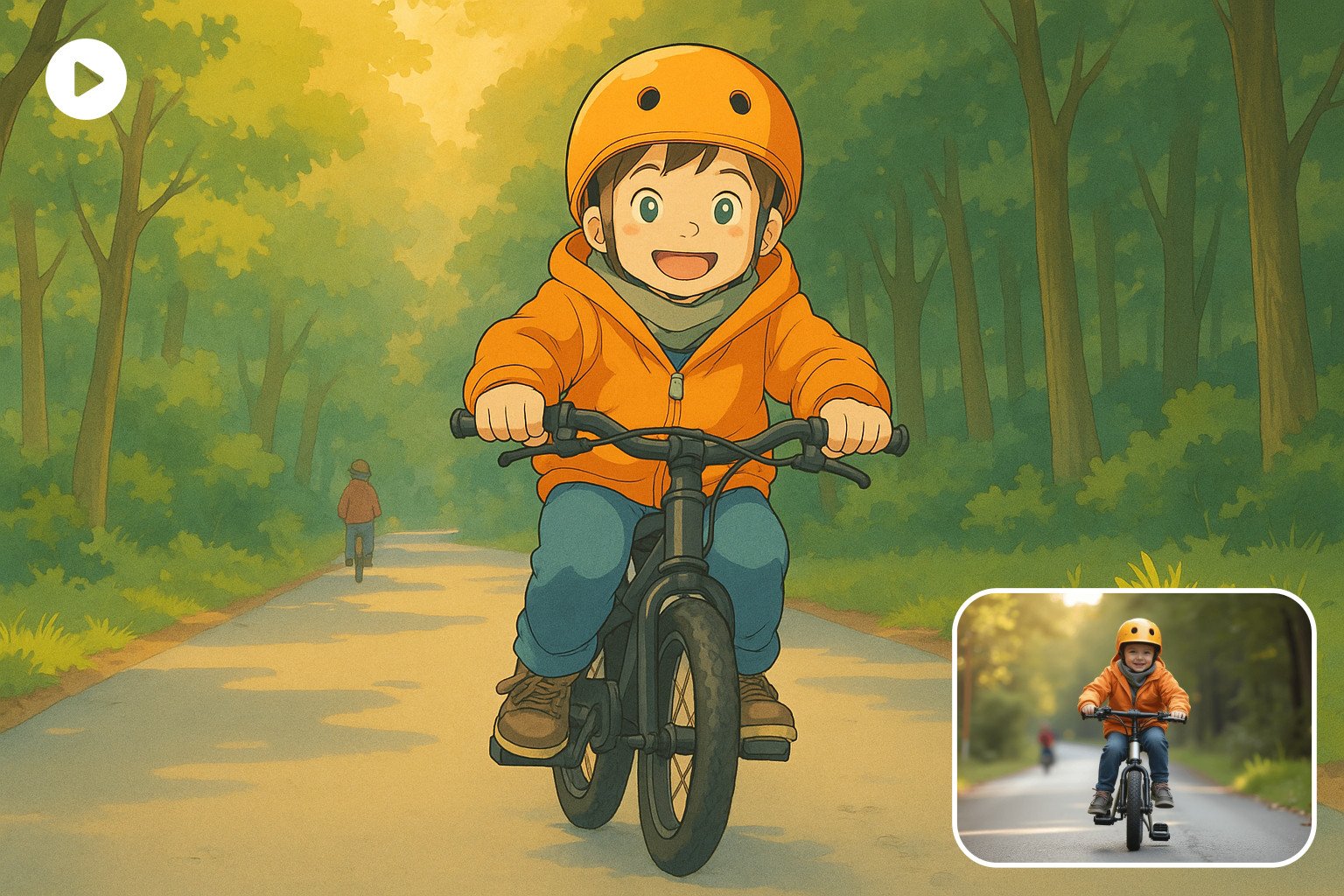
Choose an animation style that fits your video, such as Pixar-inspired visuals, claymation, flat animation, stylized 3D looks, and more.
Step 3
Generate
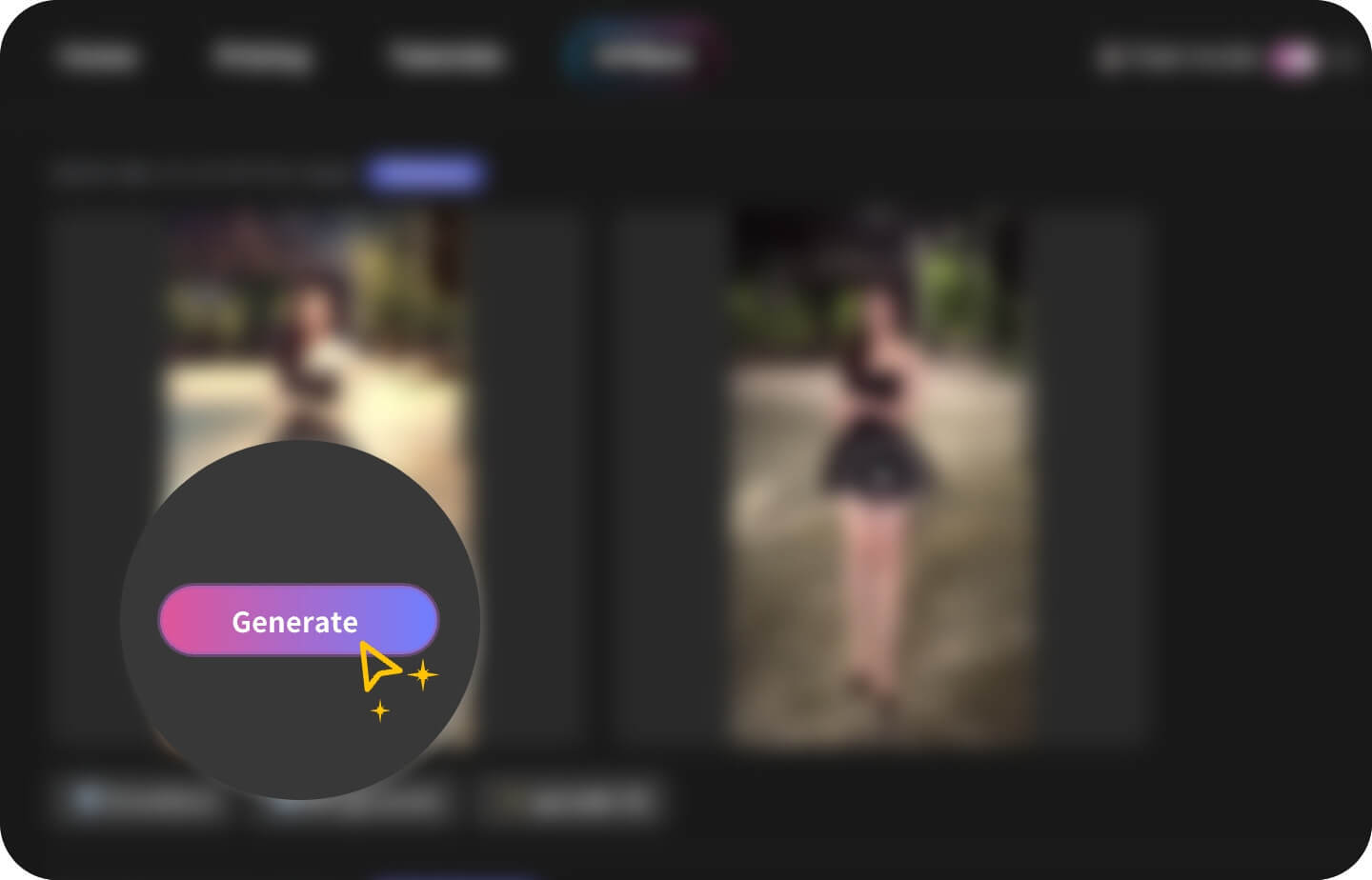
Once you've selected the appropriate duration, you can click the generate button to start the process. Please be patient and wait a few minutes, and you'll soon see the masterpiece.
Everything you need
Feature of GoEnhanceAI Video to Animation
Wide Range of Styles
GoEnhanceAI supports over 30 different animation styles, including Pixar-inspired visuals, flat animation, claymation, stylized 3D looks, and more.
Exceptional Stability
Compared to other tools, our service offers higher fidelity and greater stability in conversions.
High Video Quality
We support ultra-high resolutions, handling up to 4k with ease. This ensures your animation videos are sharp, detailed, and visually stunning.
Looking for a Specific AI Video Style?

You may want to know
Frequently Asked Questions
How does GoEnhance AI convert videos to animation?
What styles are currently supported?
What devices do I need to use GoEnhance AI?
What is the quality of the generated animation videos?
How long of a video can be converted at one time?
How can I convert a video longer than 1 minute?
What video formats does GoEnhance AI support?
How long does it take to generate an animation video?
Can I use my creations for both personal and commercial purposes?
Can I use GoEnhance AI for free? What benefits do I get from a paid subscription?
Our paid subscriptions come with extra benefits: an increased token allowance, faster generation, more concurrent jobs, and access to premium features.
And we offer a range of subscription plans to suit different needs, please refer to our pricing page for detailed information.
Will the animated result keep the original motion of my video?
Which videos are best suited for video to animation conversion?
Can I use videos with people, brands, or copyrighted content?
Why does the output sometimes look different from the original video?
Do you support team subscriptions?
More Than Video to Animation
GoEnhanceAI goes beyond simple stylized video transformation. Our platform offers advanced features for creating AI-generated animation videos for both creative and professional workflows. With GoEnhanceAI, you can create high-quality AI-generated videos that stand out, enhance your visual content, and meet the growing demands of digital media.
Try GoEnhanceAl For Free