
Video to Cartoon Converter
Convert your video to cartoon style online with AI — free, no signup. Cartoonize any video into vibrant 2D, 3D, or pixel art for TikTok, Reels, and YouTube Shorts.
Cartoonify Your VideoAI Cartoon Styles
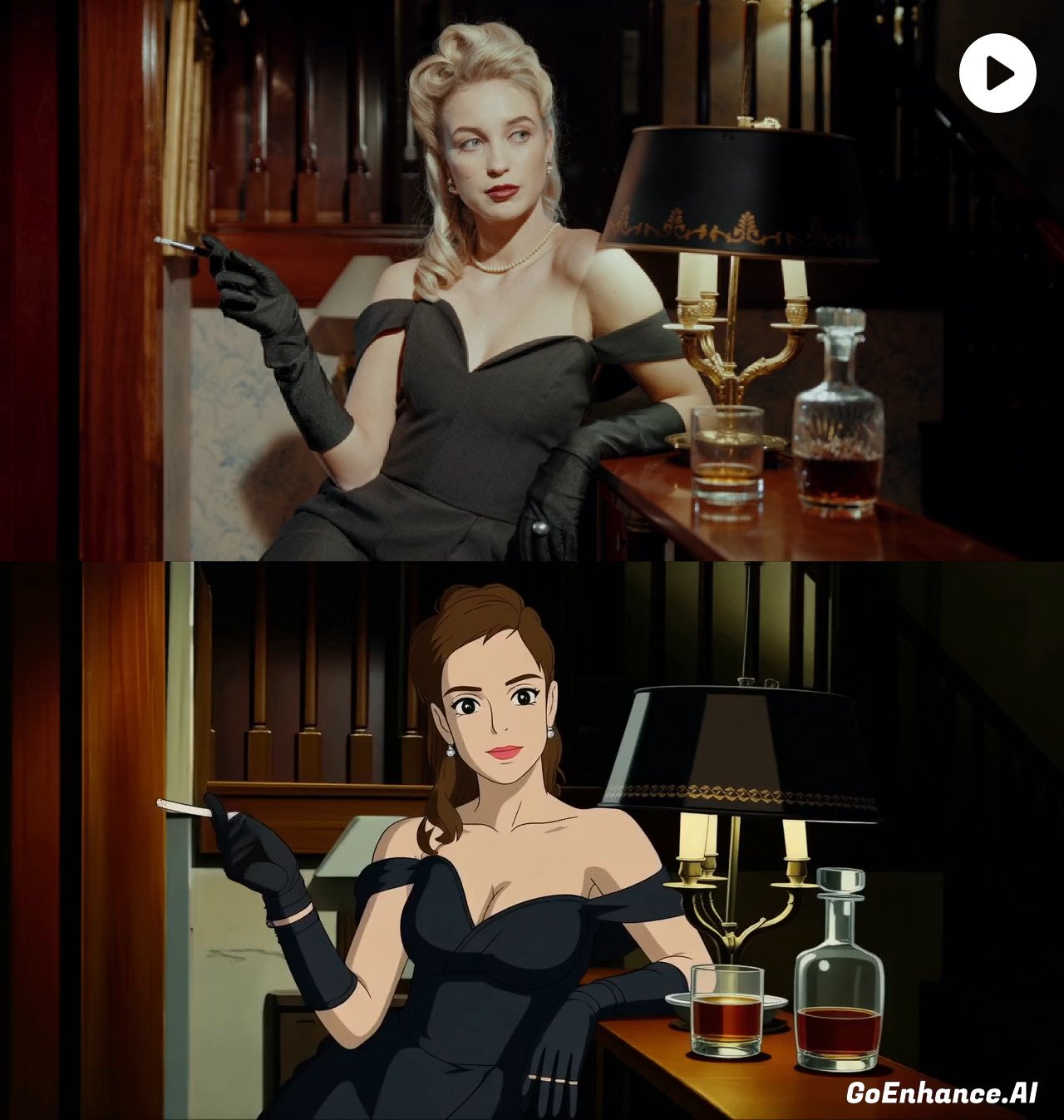

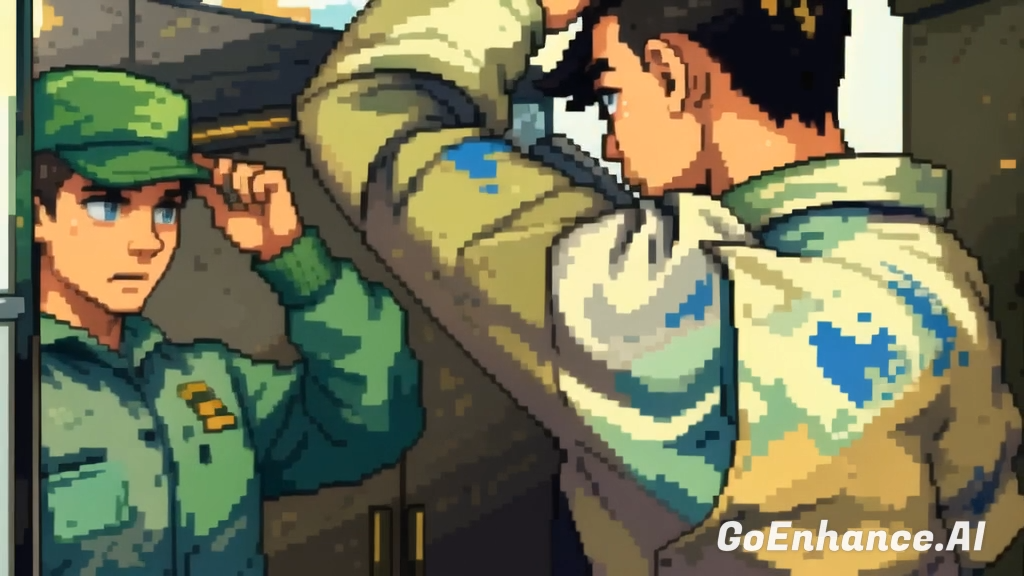
How the Video to Cartoon Process Works
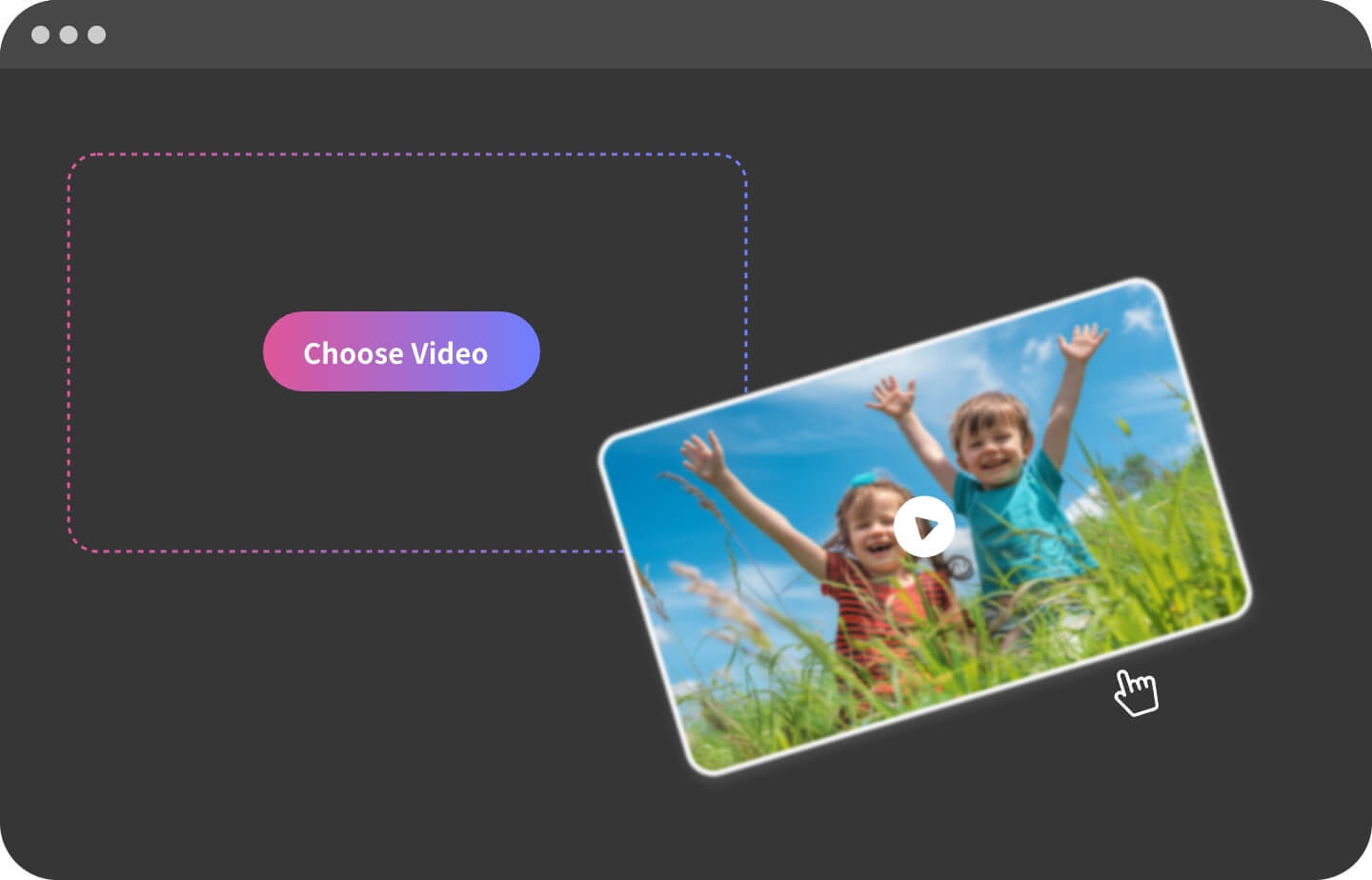
Step 1
Upload & Prep Your Video
Drag-and-drop MP4, MOV, or WebM files up to 60s (100M).
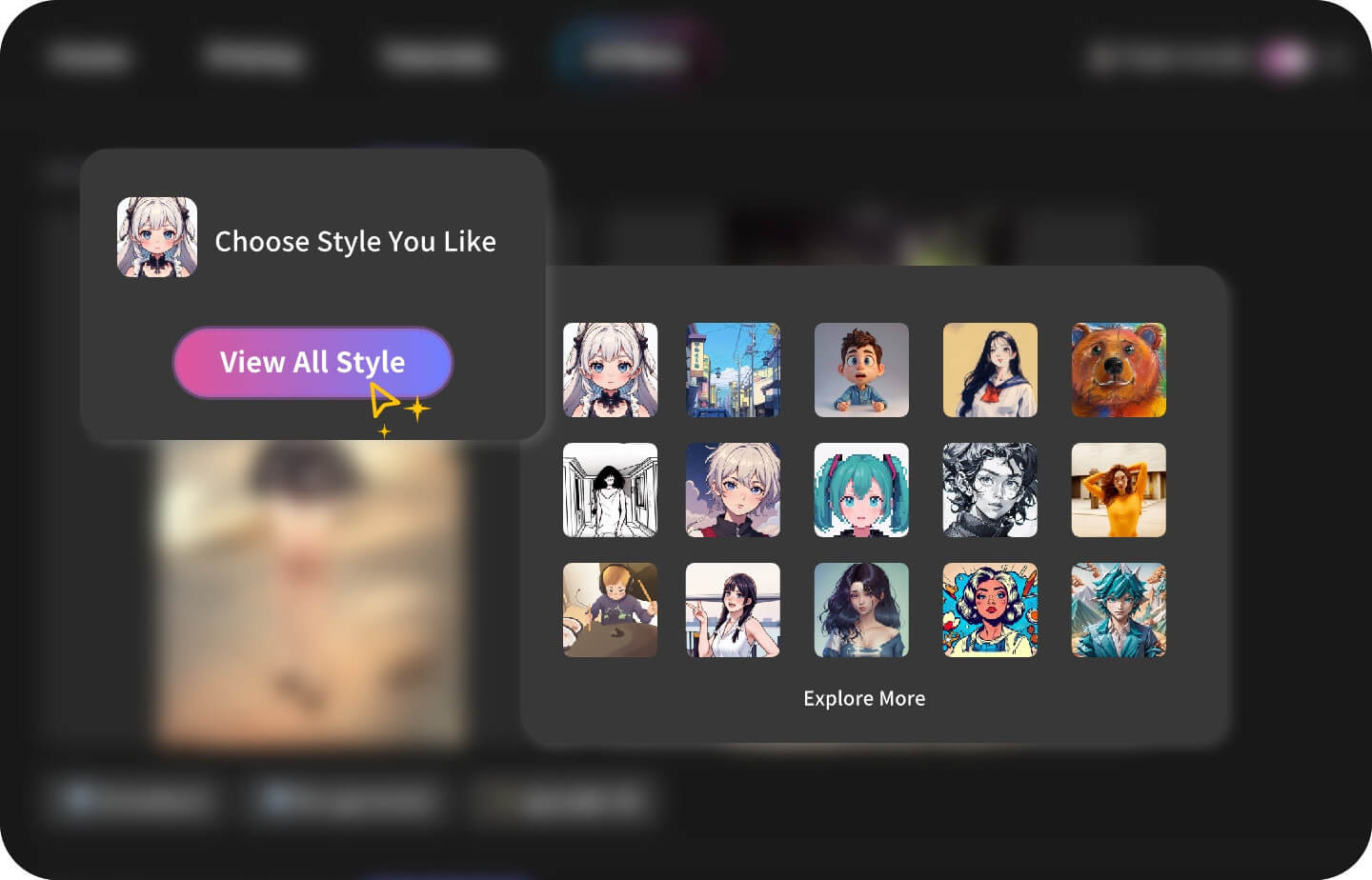
Step 2
Choose a Cartoon Filter
Select 2D cartoon, 3D toon, pixel art, sketch, or mixed cartoon styles with text prompts.
Step 3
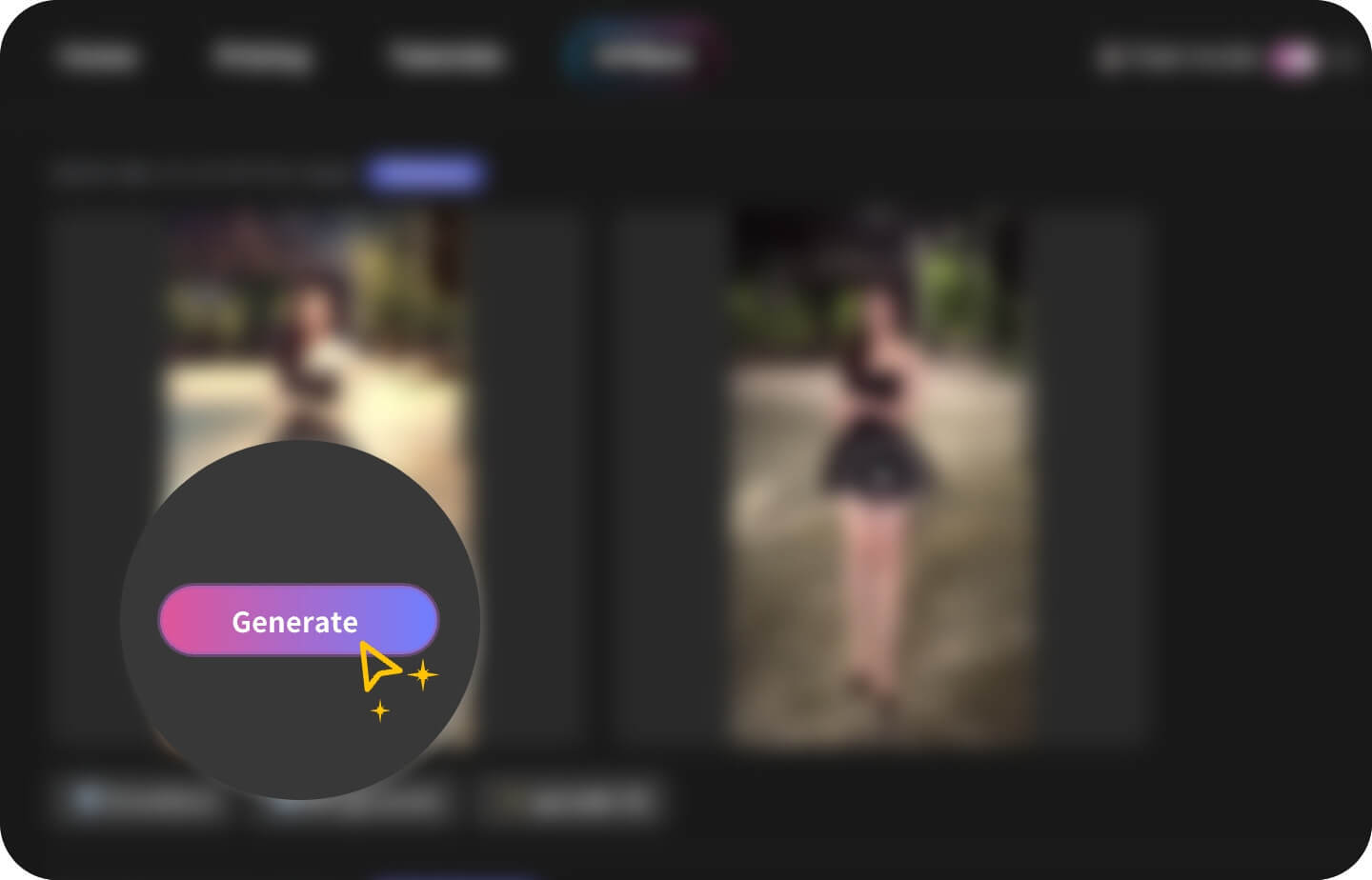
Preview, Cartoonize & Download
Generate an AI preview, then export your cartoon video in HD or 4K.
Built for creators & marketers
Why GoEnhance Cartoonizer?
Extensive Cartoon Style Library
Jump from bold 2D ink-line cartoons to Saturday-morning slapstick, chibi, rubber-hose, or western comic styles without re-uploading your video.
True Cel-Shading Engine
AI detects edges, adds crisp outlines and flat colour blocks to mimic hand-drawn animation frames.
Toon Motion Smoothing
Automatic in-betweening keeps fast punches and camera pans fluid while retaining that snappy cartoon feel.
Signature Colour Palettes
Pick pre-made cartoon palettes—pastel pop, neon arcade, retro newspaper dot—then fine-tune hue and saturation.
Subject-Only Cartoonization
Turn just the characters into cartoons while leaving the original live-action background untouched for a striking hybrid look.
Background Simplifier
Busy live-action scenes can be flattened into clean, two-tone backdrops so characters pop like real animation cels.
Explore More Video Tools
Video-to-Cartoon FAQ
You May Want to Know
Can I keep the live-action background intact?
Which cartoon looks are actually available?
Does the tool adjust frame rate for true animation feel?
What file size & length can I upload?
How do color palettes work?
Will dialogue bubbles be supported?
Is there a watermark on free exports?
Transform Your Video into a Cartoon Now
Use GoEnhance AI as your video to cartoon converter and turn ordinary clips into eye-catching cartoons online.
Start for Free