goenhance logo

Hunyuan Image 2.1 – 2K Text-to-Image Generation

Open-source, high-resolution image generation with strong text alignment, multilingual prompts, and cinematic detail. Now on GoEnhance AI — generate native 2K (2048×2048) images with PromptEnhancer and the Refiner for even sharper results.
Try Hunyuan Image 2.1
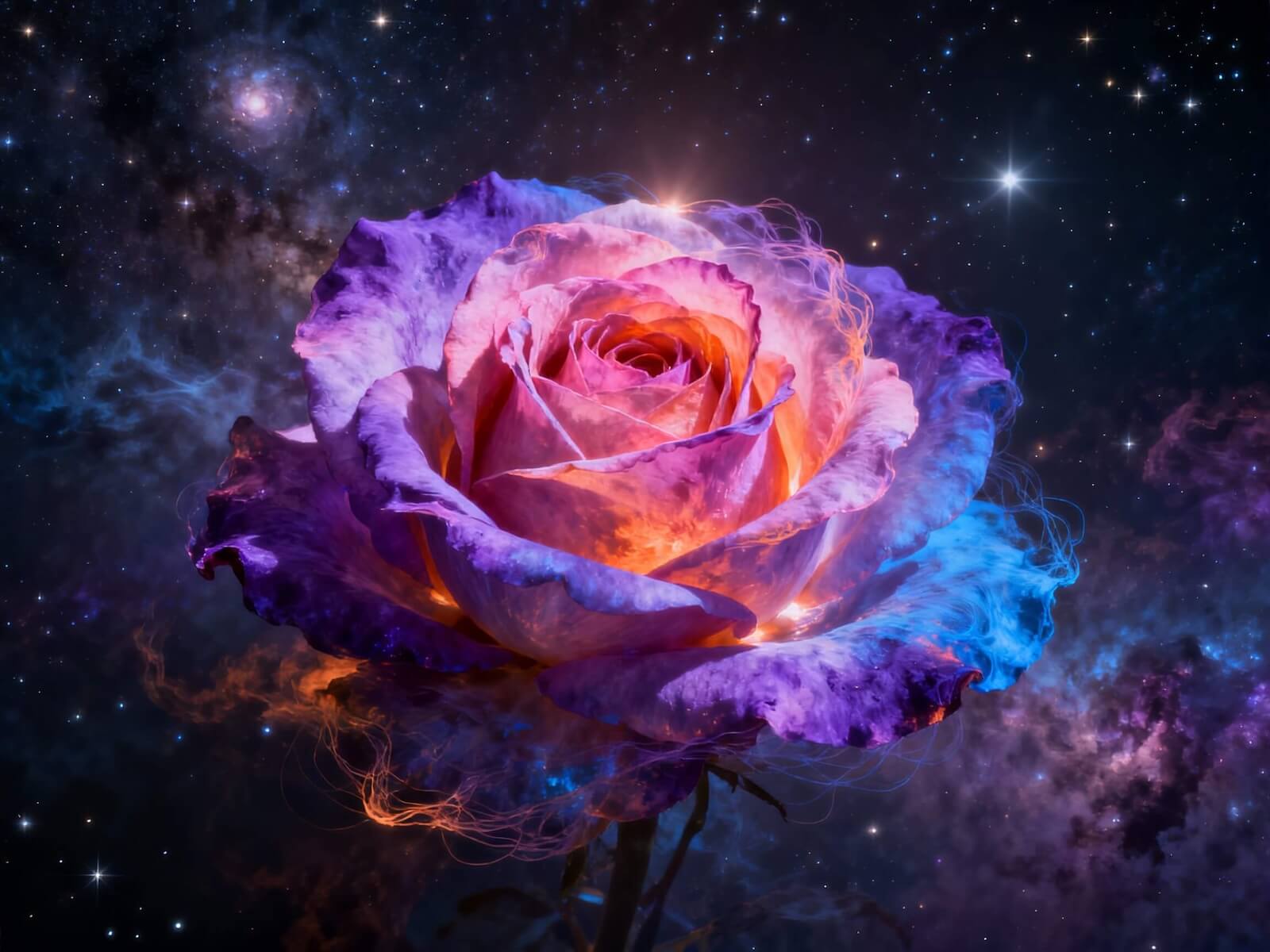
Key Features of Hunyuan Image 2.1
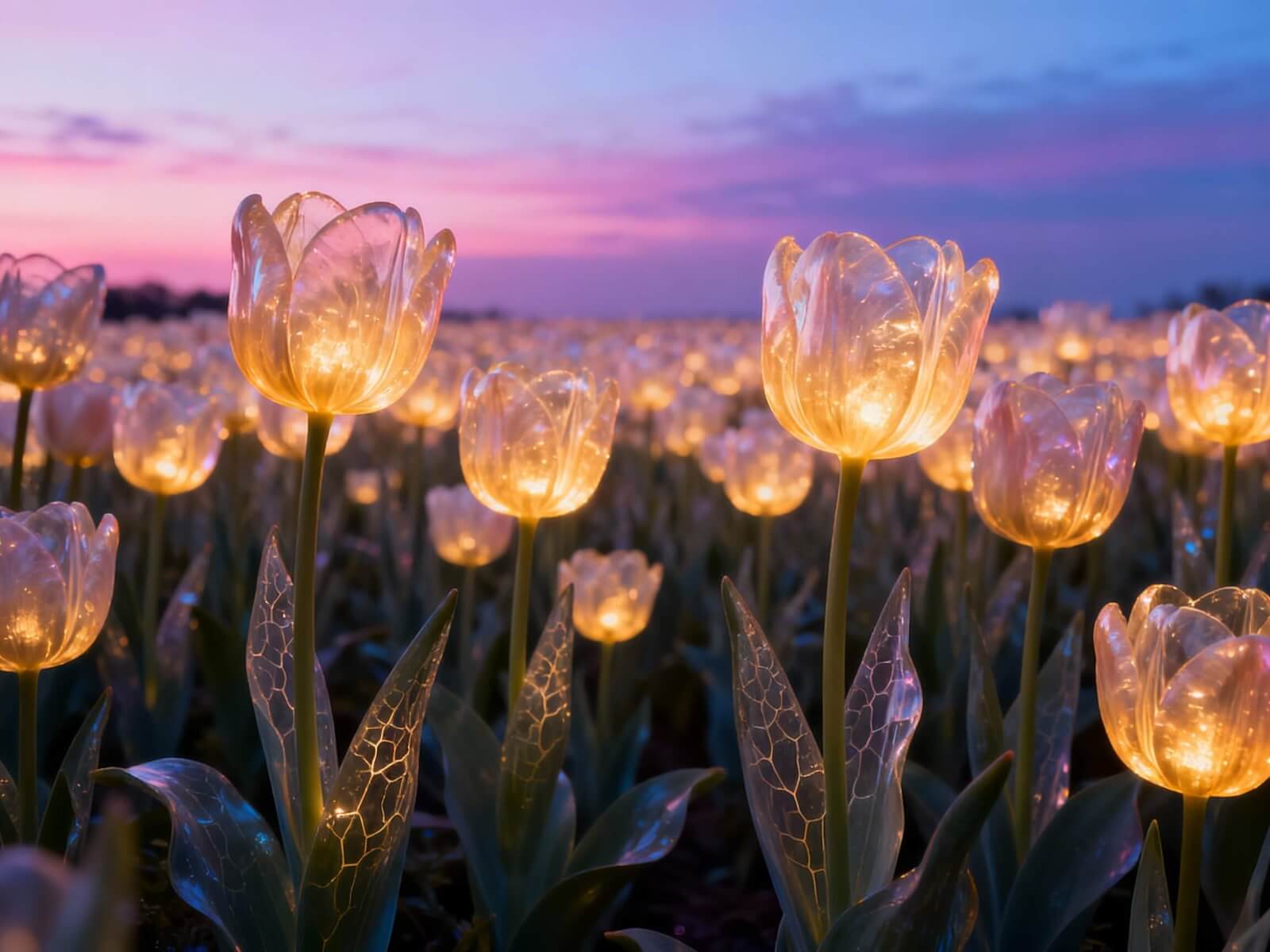
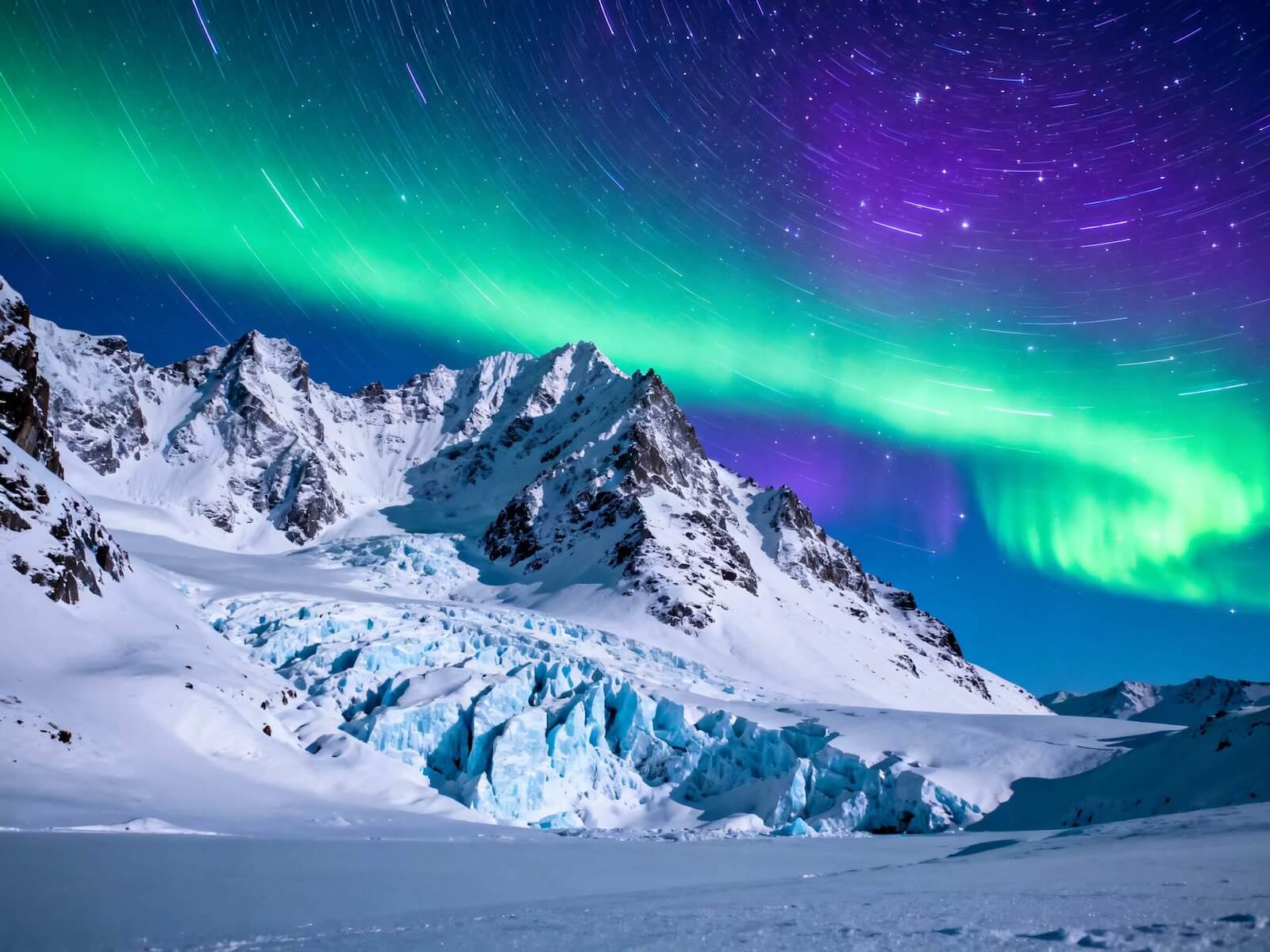
Native 2K Quality

Optimized to output at 2048×2048 and other high-res aspect ratios. Expect crisp detail, stable composition, and strong fidelity.

High-resolution sample

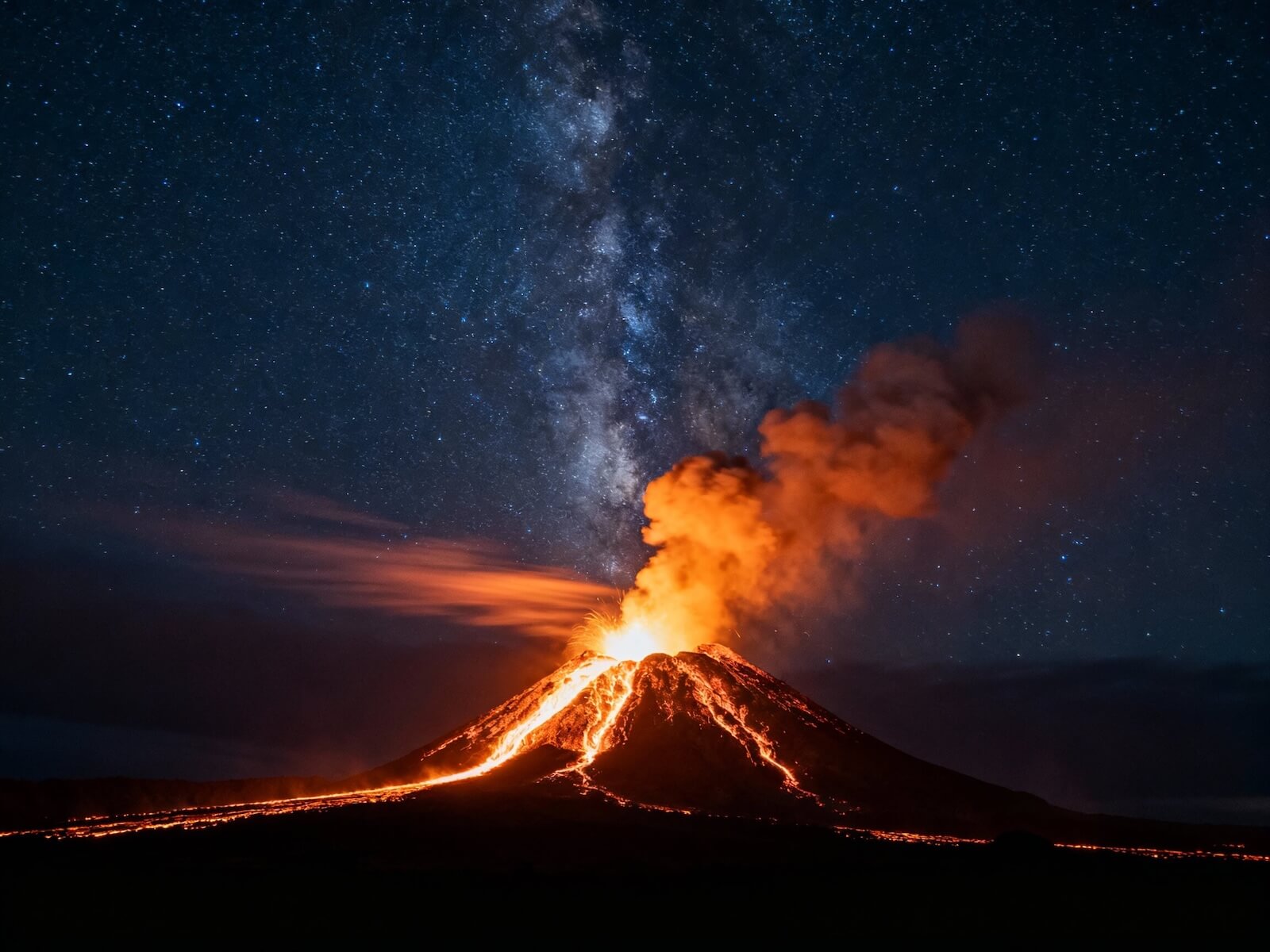
High-Compression VAE (32×)

A 32× spatial compression VAE reduces tokens while preserving structure — enabling 2K quality with 1K-like token counts for faster inference.

VAE & token compression

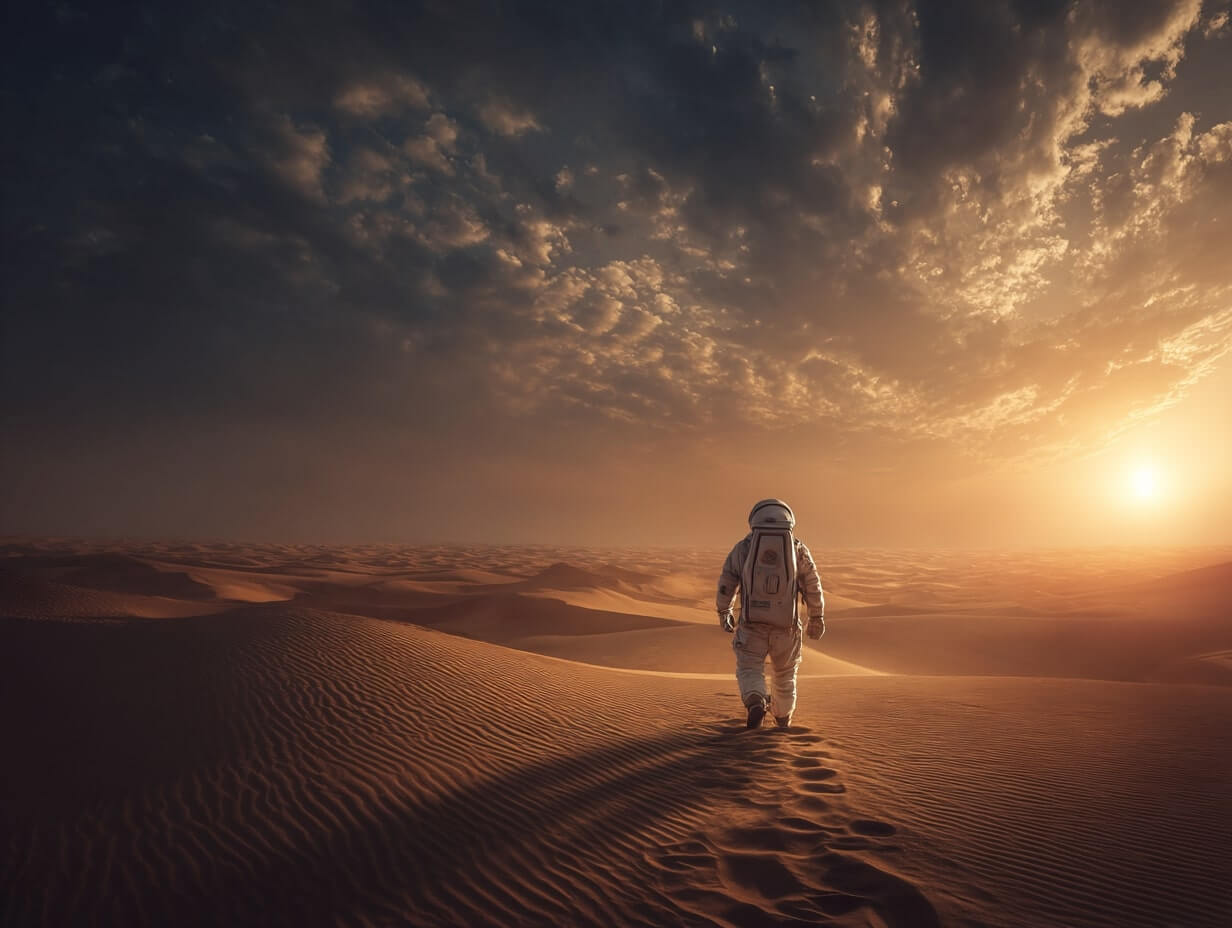
Dual Text Encoders

Combines a multimodal encoder for scene understanding with a glyph-aware ByT5 encoder for improved text rendering and multilingual prompts.

Dual encoder concept

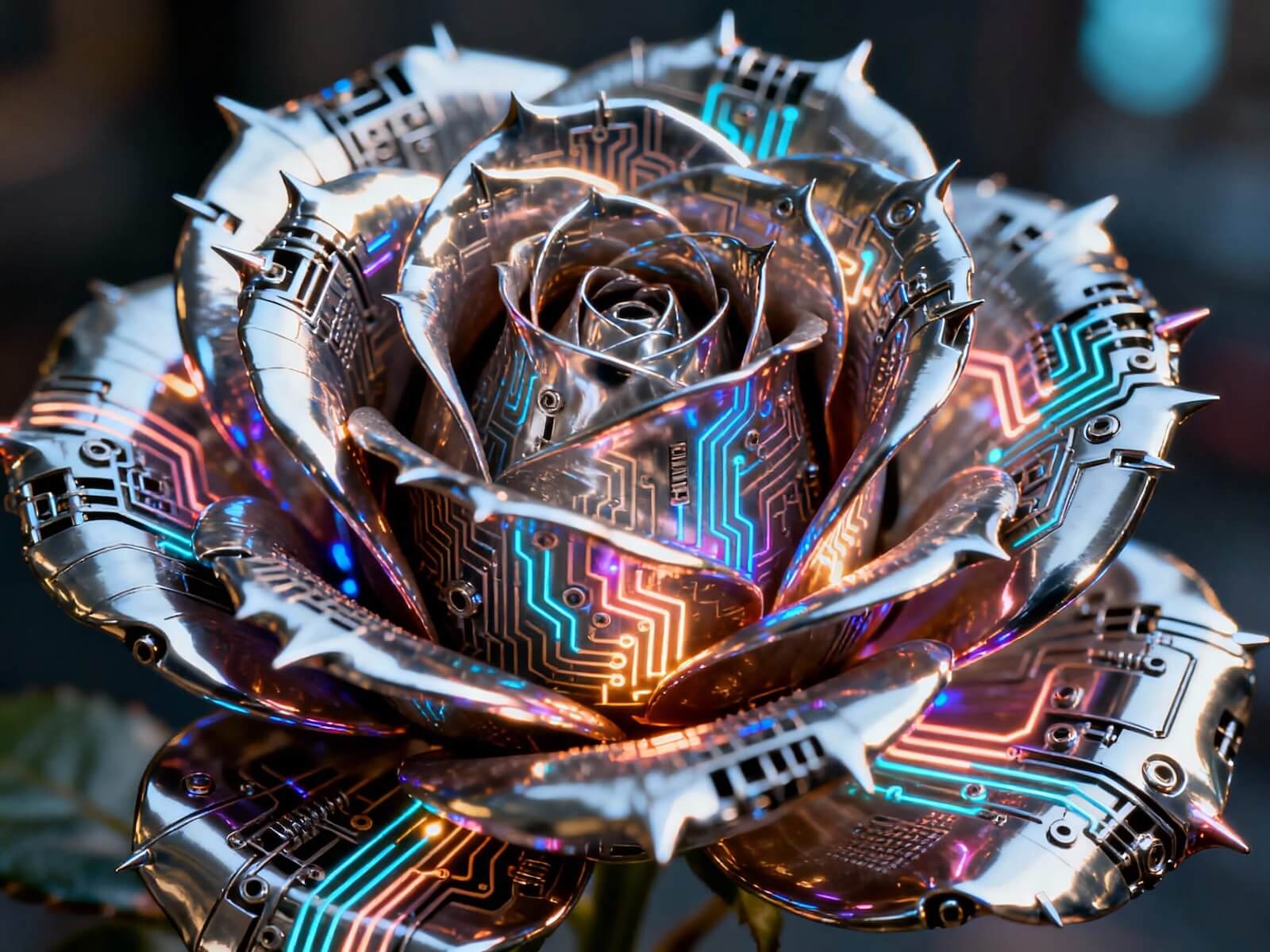
PromptEnhancer & Refiner

Optional prompt rewriting adds visual clarity; the refiner ups detail and reduces artifacts — use both for the best looks.

Prompt enhance & refine

Meanflow Distillation (Fast)

Distilled variant supports fewer steps with competitive quality — great for quick previews and iterative creation.

Fast distilled sampling

Flexible Aspect Ratios

Supports 1:1, 16:9, 9:16, 4:3, 3:4, 3:2, 2:3 — all at 2K-class resolutions for social, print, and ads.

Aspect ratios

How to Use Hunyuan Image 2.1 on GoEnhance

01

Write a Clear Prompt

Describe subjects, scene, lighting, and any on-image text. Add styles (photoreal, anime, cinematic, etc.).

02

Enable Enhancements

Toggle PromptEnhancer for richer detail and the Refiner for extra sharpness and fewer artifacts.

03

Generate & Upscale

Preview with distilled steps for speed, then upscale or refine to finalize and download.

Why Choose Hunyuan Image 2.1?

CapabilityHunyuan Image 2.1Typical Open-Source T2I
Resolution TargetNative 2K (2048×2048) with stable detail1K–1.5K typical; 2K often unstable
Token Efficiency32× VAE compression → fewer latent tokens8×–16× compression is more common
Prompt HandlingDual encoders (MM encoder + ByT5 glyph-aware)Single encoder; limited text glyph awareness
Quality BoostersPromptEnhancer + Refiner + RLHF trainingLimited post-training; fewer enhancement tools
Speed OptionsMeanflow-distilled steps for rapid draftsStandard diffusion steps only

Häufig gestellte Fragen

What is Hunyuan Image 2.1?

An open-source, high-efficiency text-to-image model built for native 2K outputs. It uses a high-compression VAE, a single/dual-stream DiT backbone, and dual text encoders for robust alignment.

Which resolutions and ratios work best?

Use 2K-class dimensions: 2048×2048 (1:1), 2560×1536 (16:9), 1536×2560 (9:16), 2304×1792 (4:3), 1792×2304 (3:4), 2560×1706 (3:2), 1706×2560 (2:3). Lower resolutions can introduce artifacts.

Do I need to enable PromptEnhancer and the Refiner?

They’re optional but recommended. PromptEnhancer enriches your text inputs; the Refiner adds clarity and reduces artifacts for final-quality renders.

Is there a faster mode?

Yes. The distilled checkpoint supports fewer sampling steps for quick previews. Switch to the non-distilled checkpoint and/or enable the Refiner for peak quality.

Does it support multilingual prompts and on-image text?

Yes. It is optimized for English and Chinese prompts. For on-image text (logos, posters, slides), write explicit spellings and consider larger point sizes for higher fidelity.

Commercial usage on GoEnhance AI?

Yes. You can use outputs commercially subject to GoEnhance AI’s Terms of Service. Avoid infringing content and respect trademark/portrait rights.

GPU and system requirements (self-hosting)?

For native 2K, plan for a modern NVIDIA GPU and sufficient VRAM. Distilled steps and CPU offloading can help. GoEnhance AI runs it for you in the cloud.

Create with Hunyuan Image 2.1 on GoEnhance AI

Generate native 2K images with strong prompt following, multilingual support, and optional enhancements — all in your browser.

Start Creating Now