goenhance logo

AI Color Correction for Images and Videos
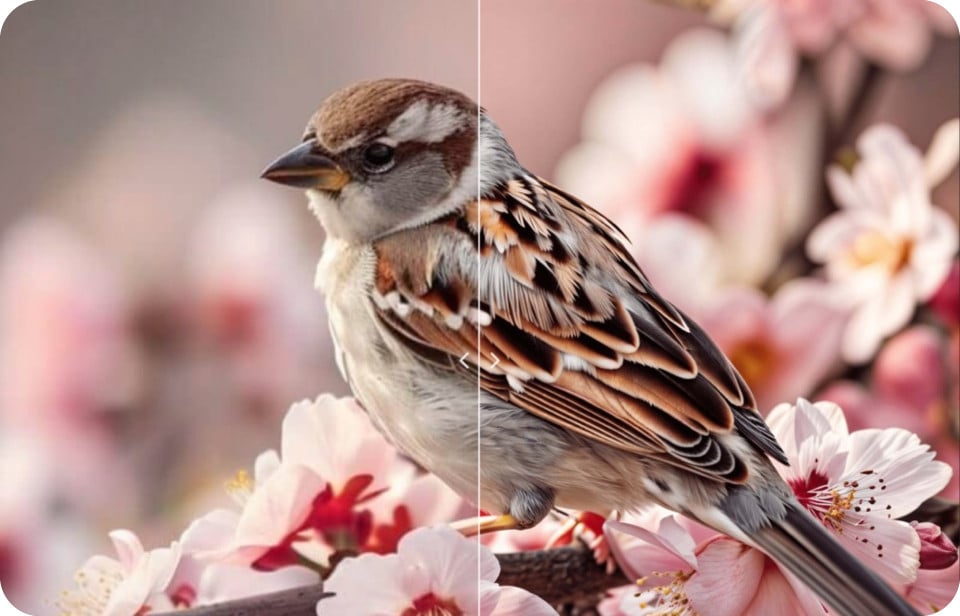
Restore the natural color and vibrancy of your photos and videos effortlessly. Our AI-driven tool analyzes and adjusts color balance, exposure, and contrast to produce stunning, true-to-life results.

Advanced AI Color Correction for Professional Results

Intelligent AI Video Color Correction

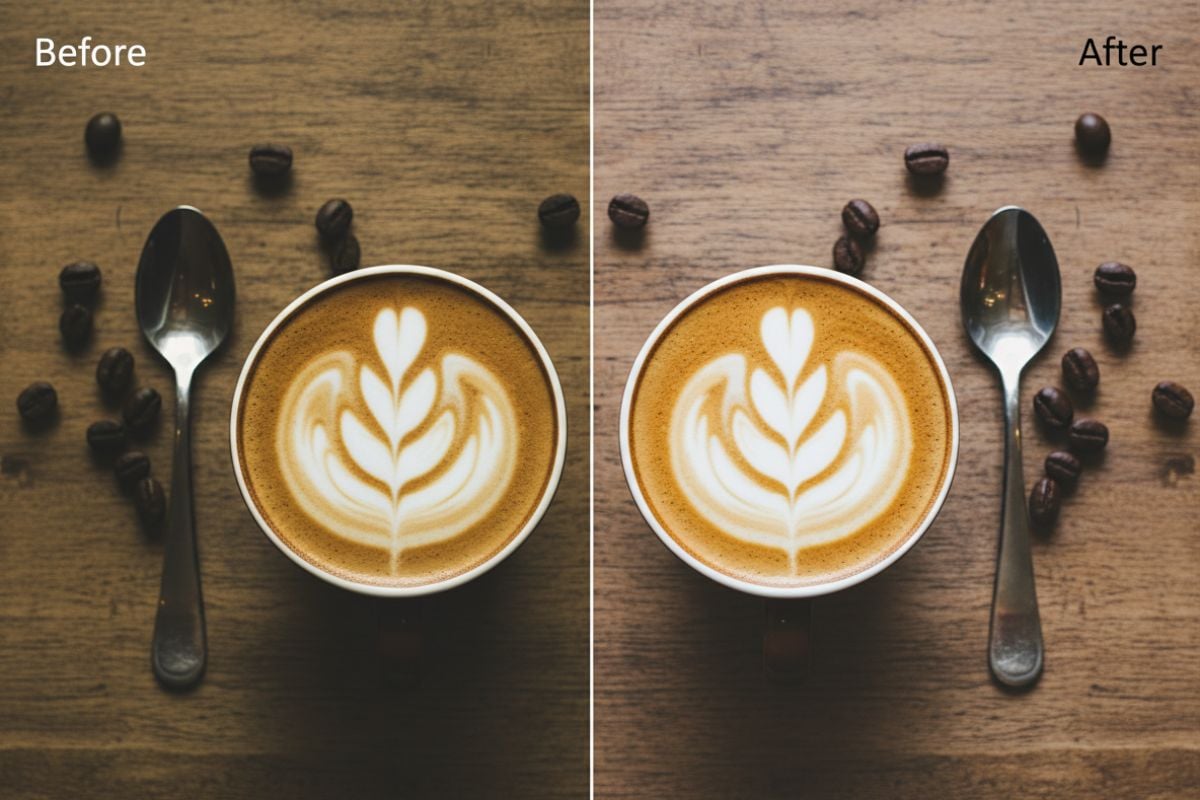
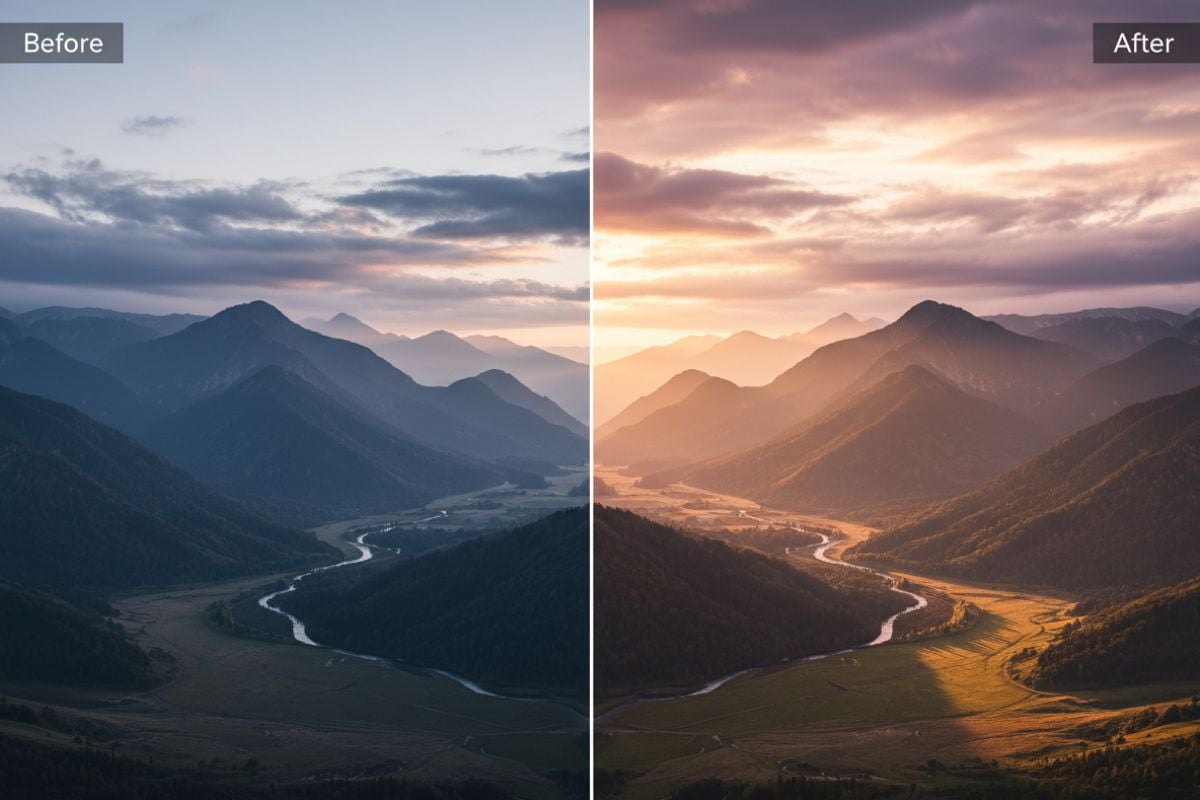
Our system addresses color issues in footage by analyzing each frame to fix inconsistencies in lighting and white balance. It automatically enhances saturation and contrast, delivering a consistent and polished look across entire clips. This process of AI video color correction ensures that your final output looks both professional and visually cohesive.

If you need more advanced improvements, consider our AI video enhancer for overall quality boosts.
AI Video Color Correction in action

One-Click Photo Color Correction Online

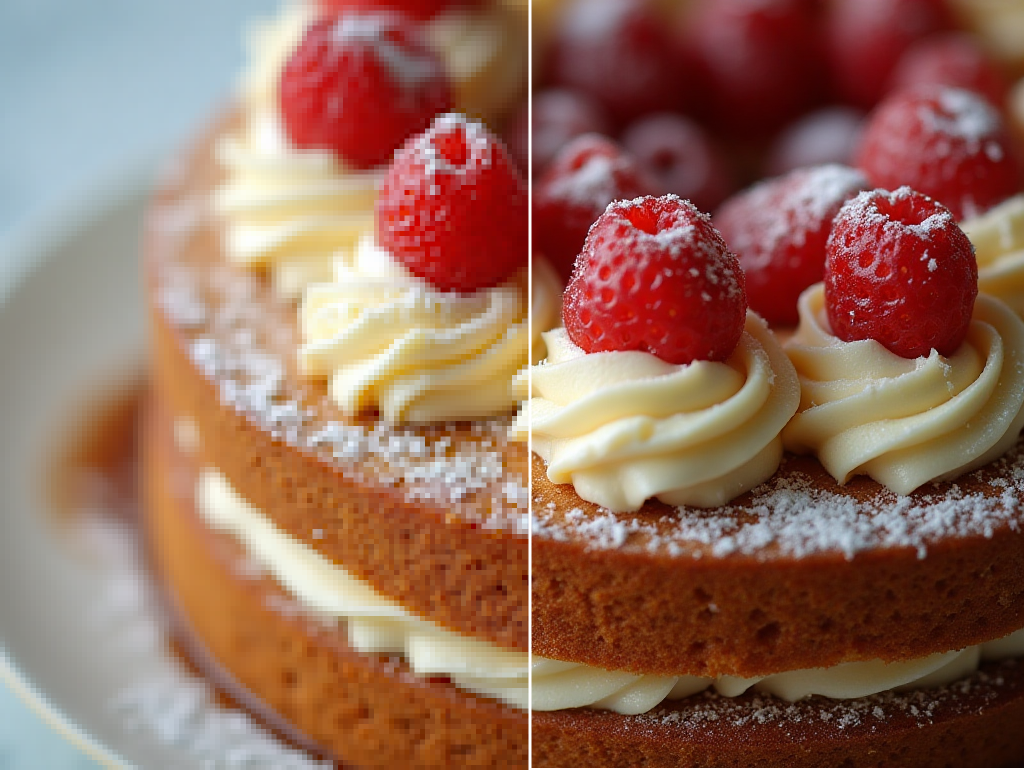
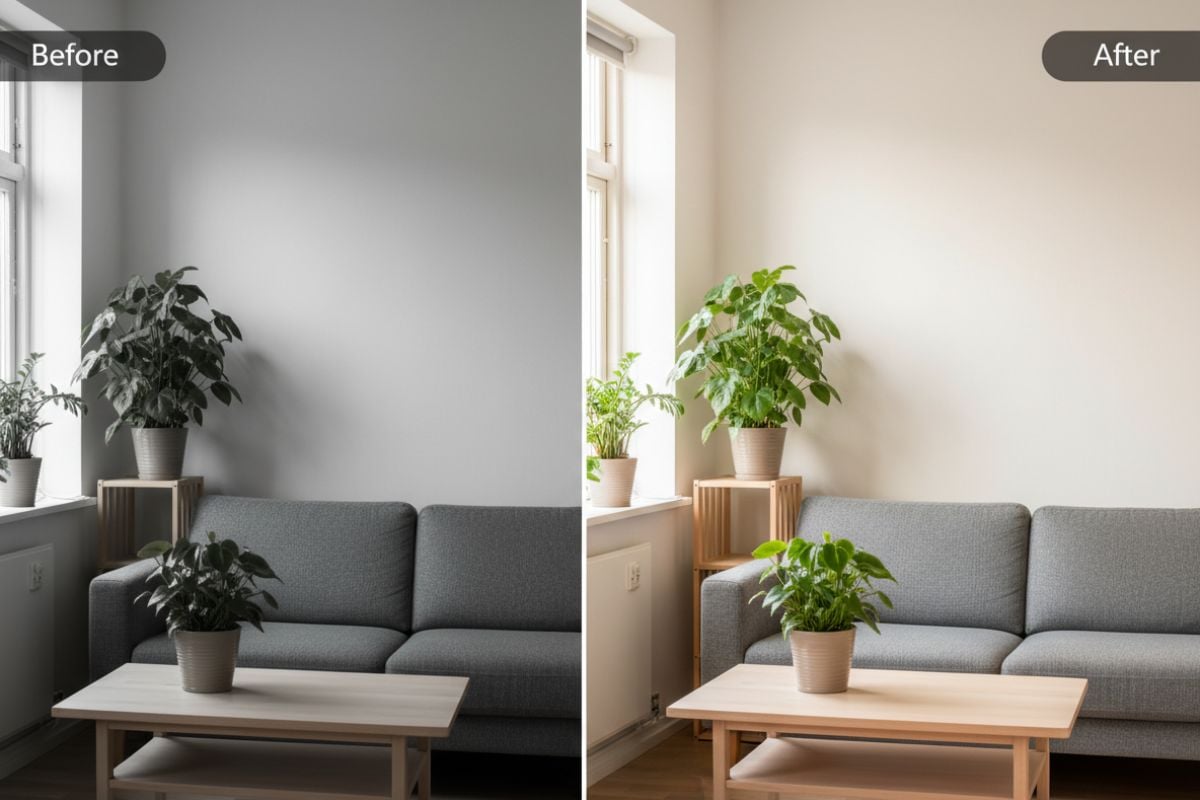
Revitalize your still images by correcting color casts and exposure problems with a single click. The tool adjusts hue, saturation, and luminance to restore the photo's original beauty, making colors pop without looking artificial. This free color fixer online makes professional image enhancer techniques accessible to everyone.
Online Photo Color Correction Interface

Comprehensive AI Video Color Correction

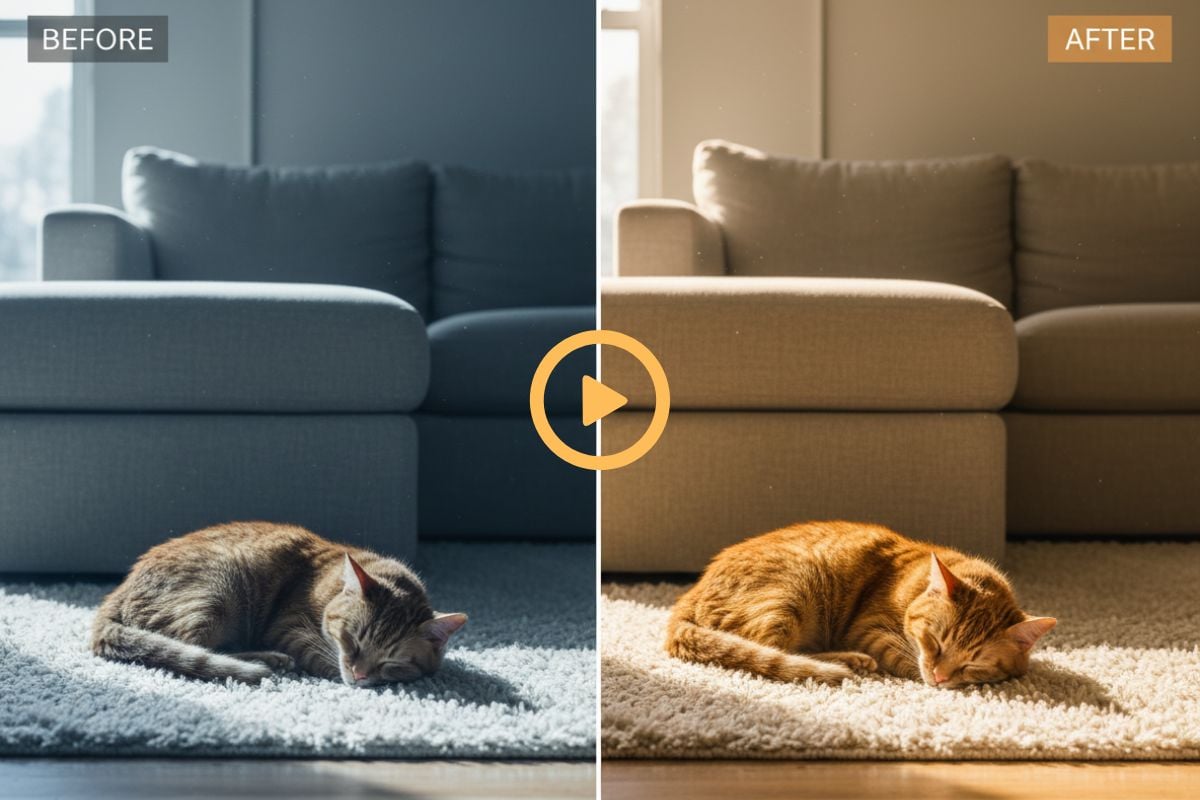
Go beyond basic correction by applying creative color fixer to set a specific mood or style. Our AI analyzes your video's content to suggest appropriate tonal adjustments, whether you want a warm, nostalgic feel or a cool, futuristic look.

This feature simplifies a typically complex post-production task, giving your footage a distinct cinematic quality. It’s a perfect complement to tools like the AI video upscaler for a complete workflow.
AI Video Color Grading styles

How to Use the Free Auto Color Fixer Online?

01

Upload Your Media

Select and upload the photo or video file that you wish to correct. The platform supports a wide range of common formats for your convenience.

02

AI Analyzes and Corrects

The AI engine automatically analyzes your file to identify color imbalances, poor contrast, and exposure issues, applying precise adjustments in seconds.

03

Preview and Download

Review the automatically corrected version of your media. If you are satisfied with the enhancement, download the final high-quality result.

Beyond Image Color Correction: Explore More Tools
Explore GoEnhance AI Color Correction Features

Automated Exposure & Contrast

Intelligently adjusts brightness and contrast to reveal details in shadows and highlights without manual intervention.

White Balance Correction

Eliminates unnatural color casts caused by various lighting conditions, ensuring tones appear natural and true-to-life.

Vibrancy and Saturation Enhancement

Boosts color intensity in a balanced way, making your visuals more vivid and engaging without oversaturation.

Support for Photos and Videos

A versatile tool that applies high-quality color correction to both still images and video footage seamlessly.

Free to Try

Free to try for new users. You can correct several images or videos before upgrading.

No Expertise Required

Achieve professional-grade results without needing to understand complex color theory or editing software. The AI handles everything.

FAQs About AI Color Correction

What's the image size limit when uploading images to GoEnhance AI Color Correction?

GoEnhance AI supports images in JPG, JPEG, and PNG formats. Each image file should be no larger than 10MB to ensure smooth uploading and fast processing.

What's the video file limit when uploading a video to GoEnhance AI Color Correction?

For videos, GoEnhance AI currently supports MP4 and MOV formats. Each video file can be up to 100MB, which helps keep uploads stable while still allowing for high-quality clips.

What is color correction?

Color correction is the process of fixing the way colors, brightness, and contrast appear in an image or video so they look natural to the eye. You might lift shadows that are too dark, tone down highlights that are too bright, or remove a strange color cast from indoor lighting. The goal is simply to make the shot feel true to life, as if you were standing there in person.

How do color correction and color grading differ?

Color correction and color grading happen at different stages and serve different purposes. Color correction comes first: you repair issues such as wrong white balance, uneven exposure, or mismatched shots so everything looks clean and consistent. Color grading comes after that, when you deliberately push the colors in a certain direction to create a mood or style—such as a warm, nostalgic look, a cool sci-fi tone, or a high-contrast cinematic feel.

Is this AI tool better than manual photo color correction?

For many users, this AI tool provides a faster and more accessible alternative. While manual correction offers more granular control, our AI delivers excellent, near-instant results that are perfect for quick enhancements and users without technical expertise.

Can the AI perform AI video color grading as well?

The primary function is automated color correction to achieve a natural look. However, the AI's adjustments often improve the tonal foundation, making it an excellent starting point before applying creative color grading or specific looks.

What kind of color issues can this AI tool fix?

The AI is designed to fix common problems such as underexposure, overexposure, incorrect white balance (e.g., photos appearing too blue or yellow), and dull, washed-out colors. It effectively restores the intended look of the scene.

How does the AI ensure the colors look natural?

The AI model has been trained on a massive dataset of professionally edited images. This allows it to understand what constitutes a natural color balance and apply corrections that enhance the image without creating an artificial or over-processed appearance.

Will using an AI for color correction reduce the quality of my photo?

No, our AI operates in a way that preserves the original quality and resolution of your file. The adjustments are applied to the color data itself, ensuring the final output remains sharp and detailed.

Is this free color fixer online truly free?

Yes, we offer a free tier that allows you to use the AI color correction tool. For users who need to process a large volume of files or require advanced features, we also offer premium plans.

Ready to Transform Your Visuals?

Fix dull colors, balance exposure, and restore natural tones in seconds. Try GoEnhance AI’s color correction for free and see how much better your visuals can look.

Try Color Correction Free