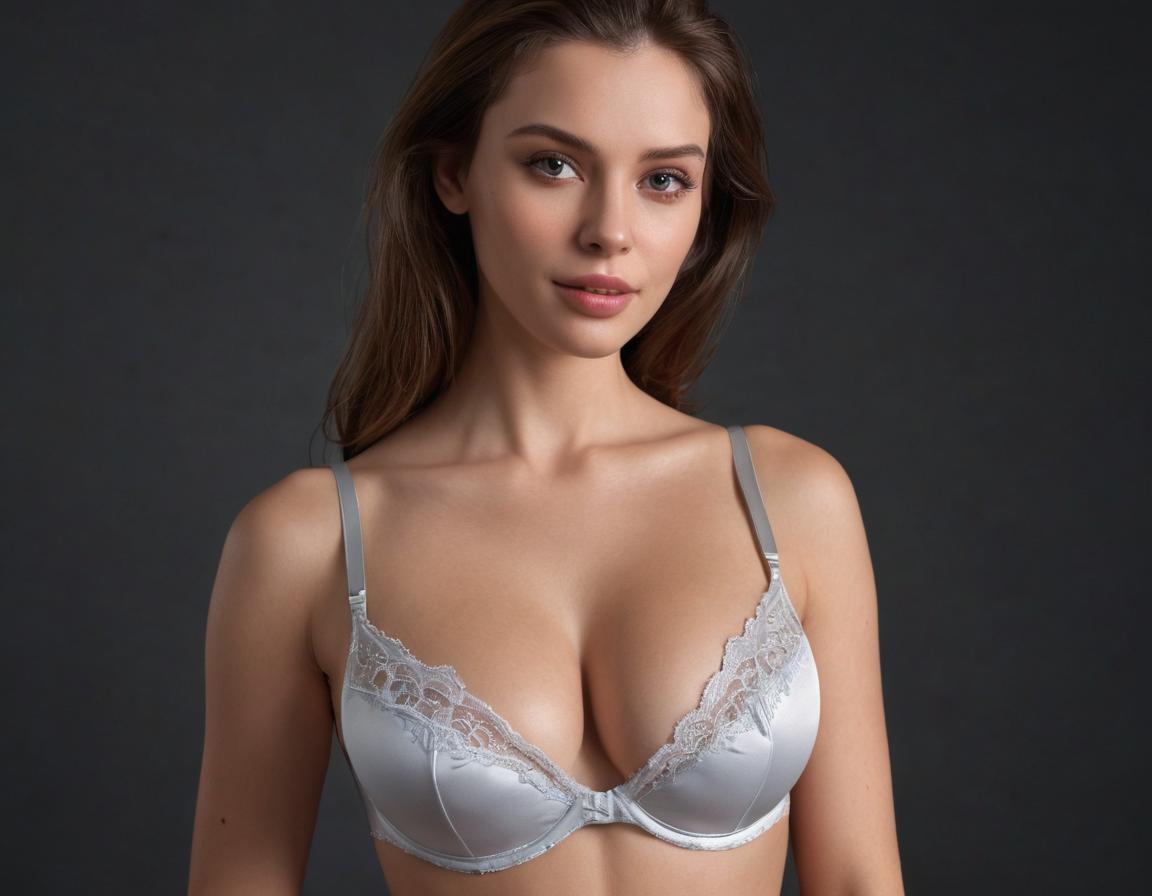
Create cinematic glamour portraits, fashion-inspired AI artwork, and editorial-style character images from simple prompts with GoEnhance AI.
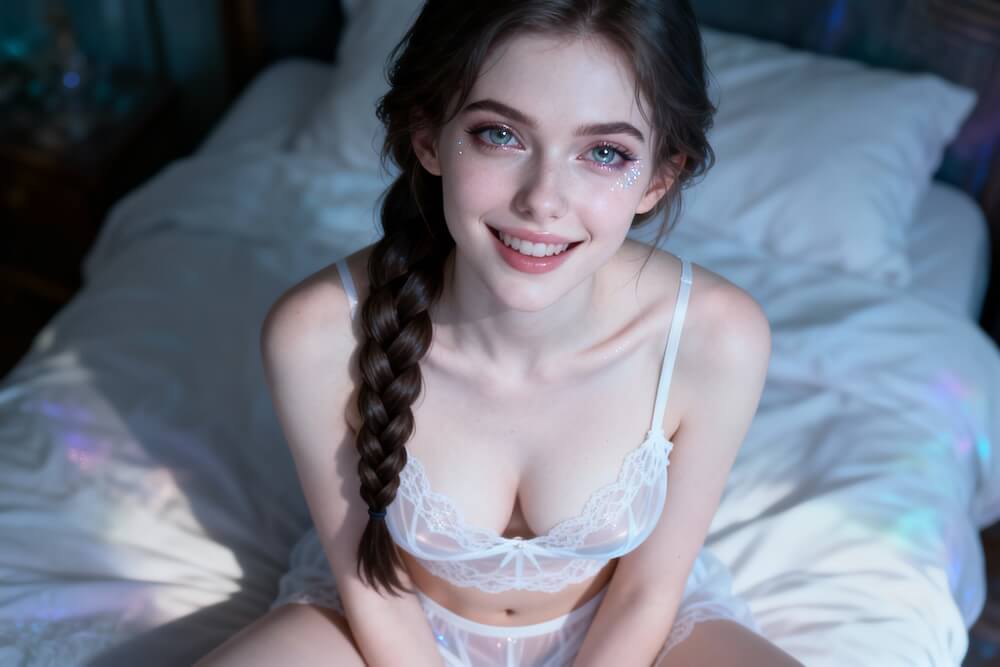
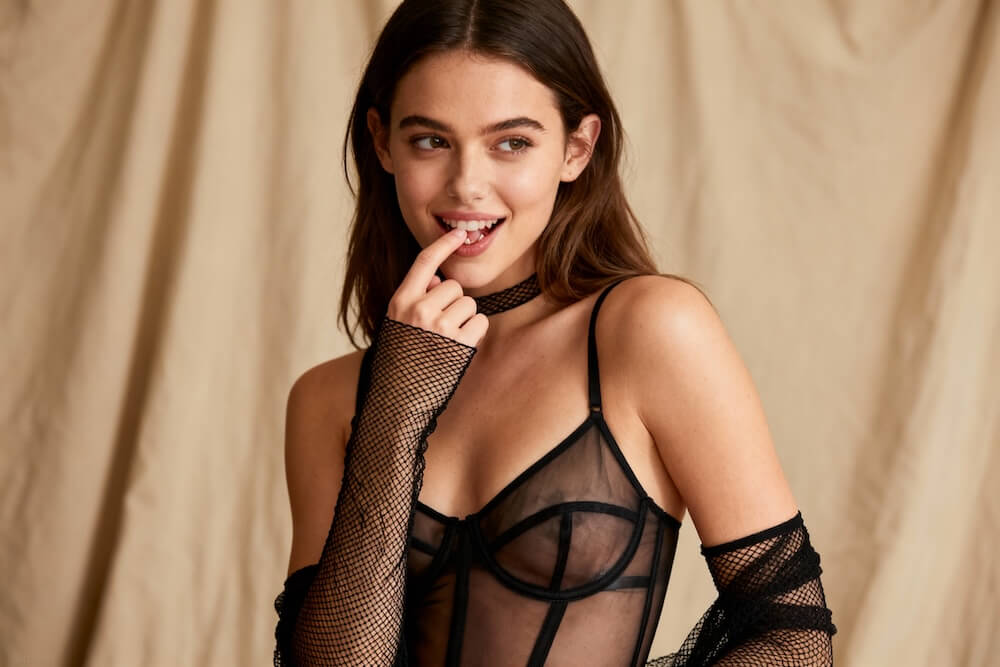
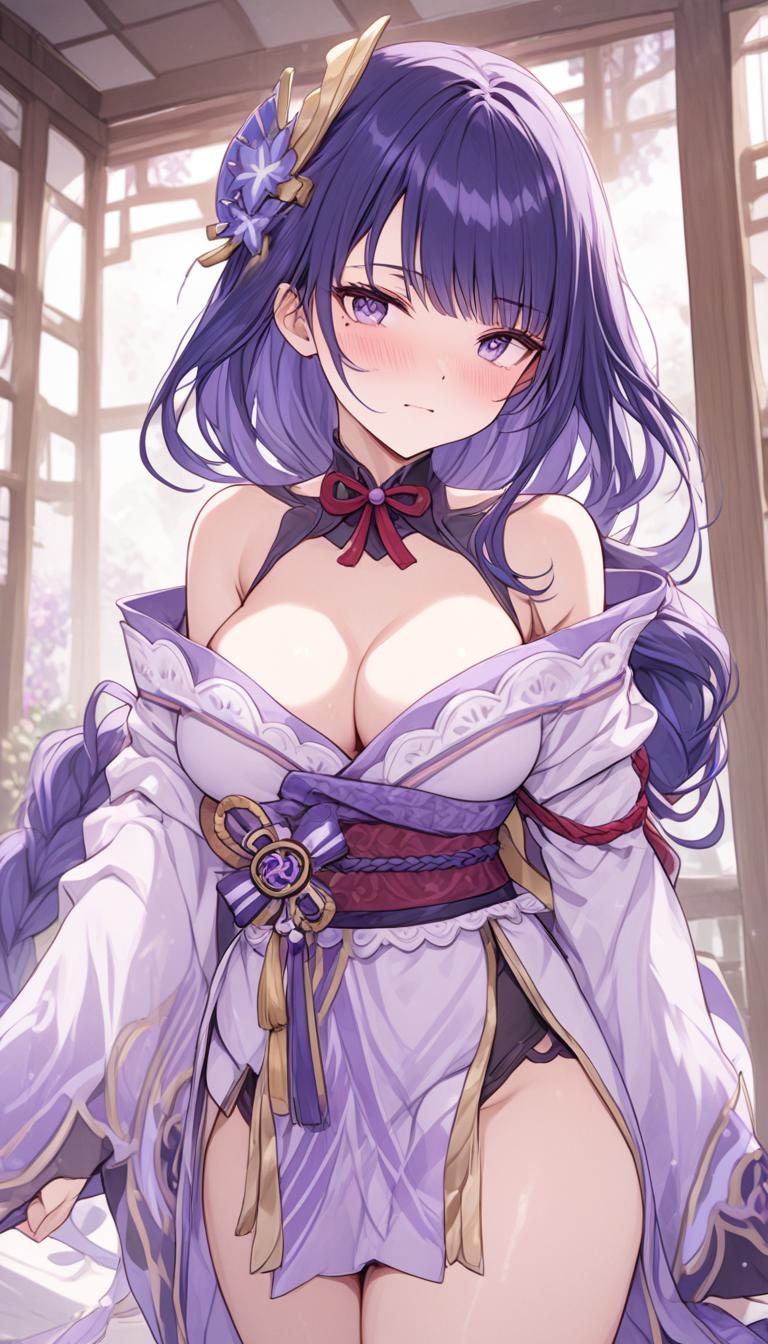
Anime-Inspired Editorial Portrait
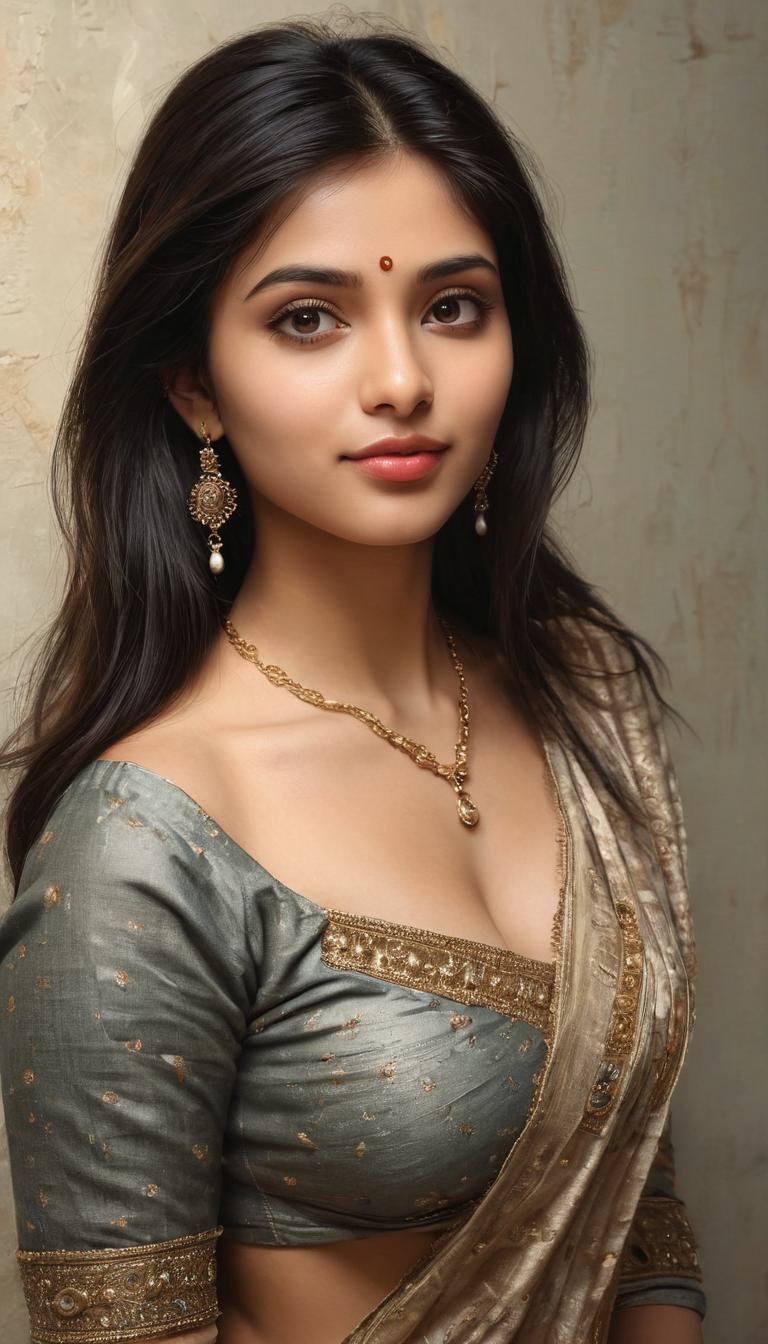
Fashion Saree Editorial Portrait
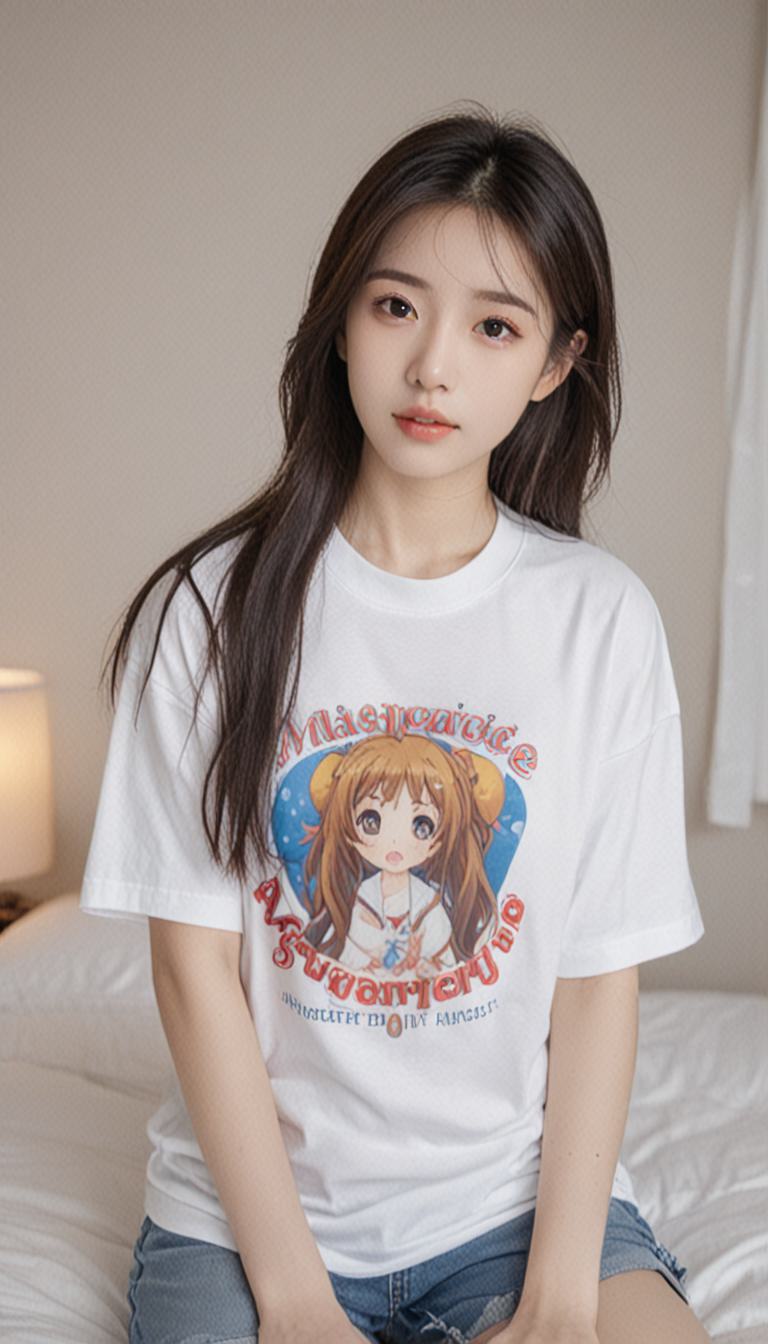
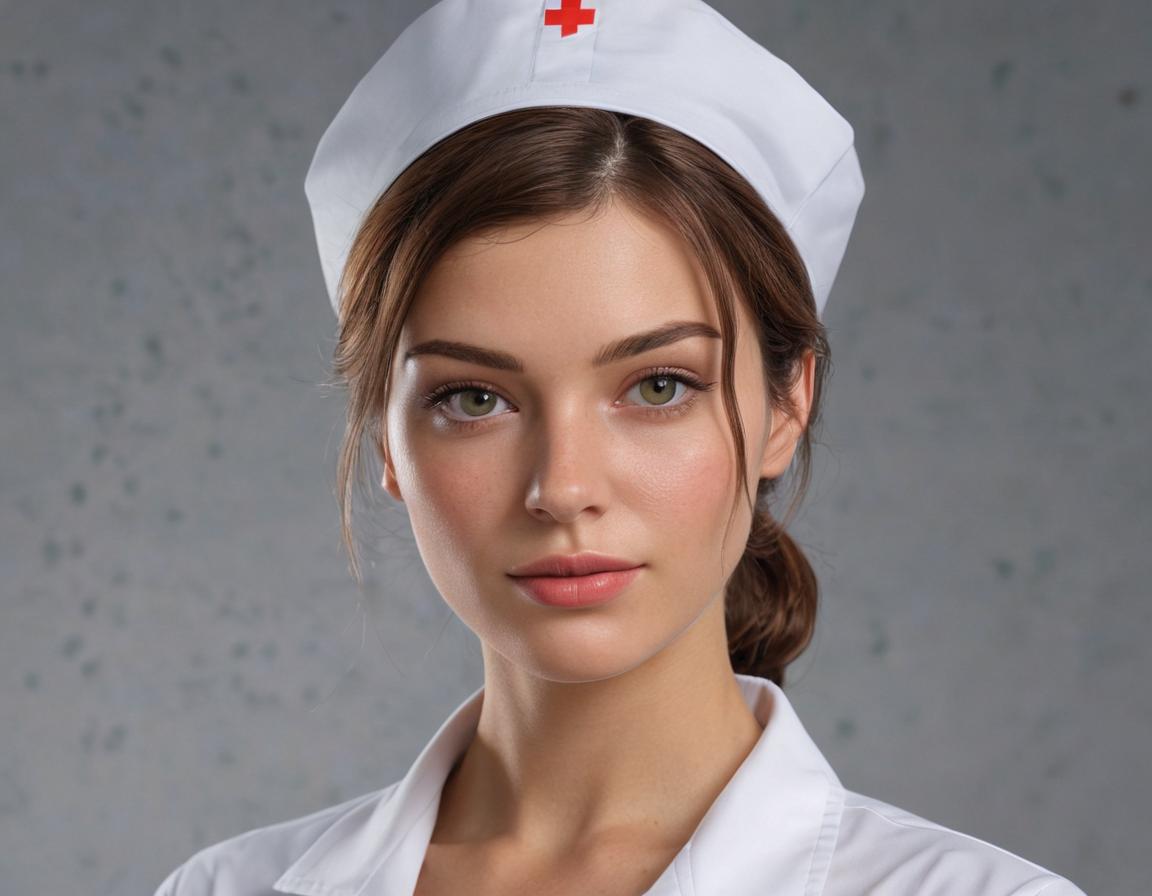
Soft Natural-Light Portrait
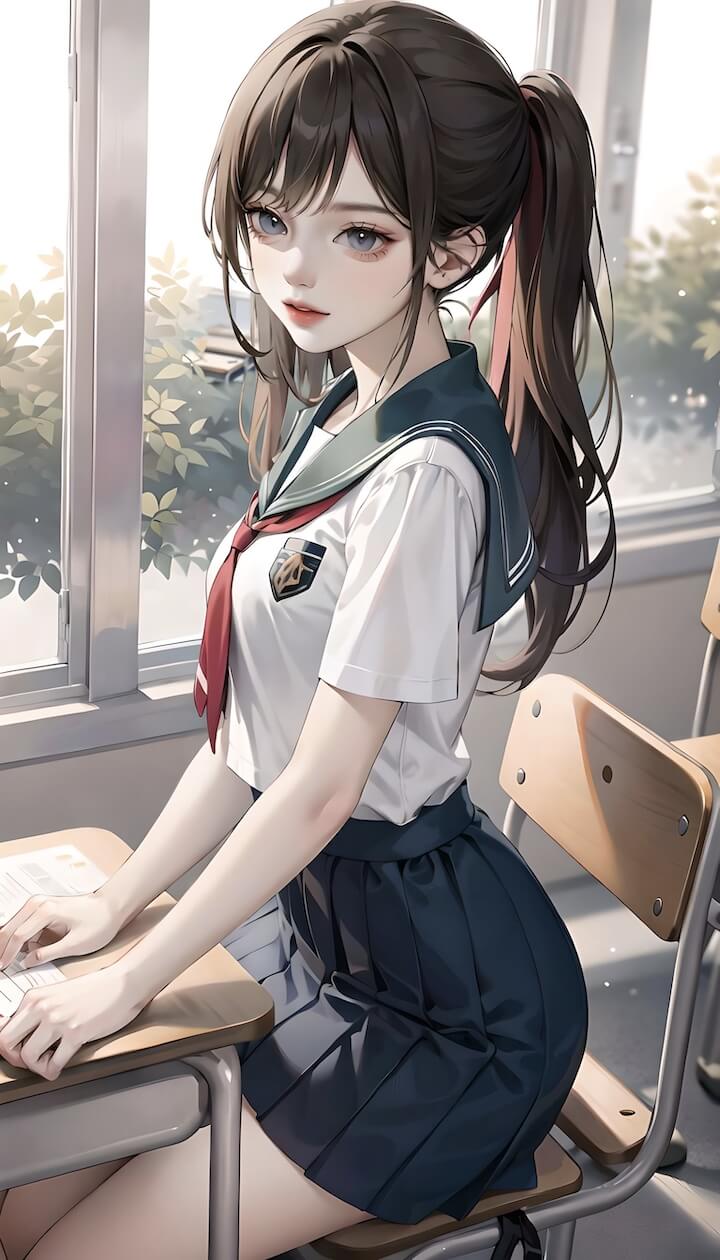
Anime Illustration Style Portrait
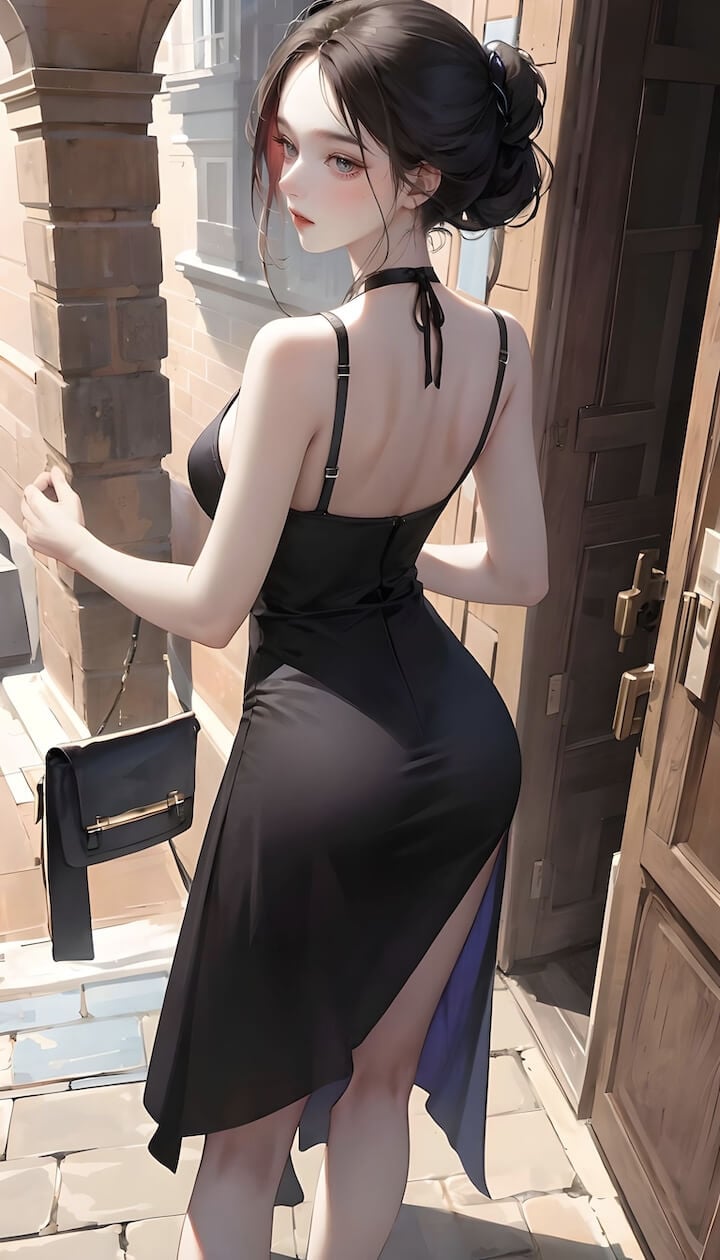
Street Fashion Editorial Portrait
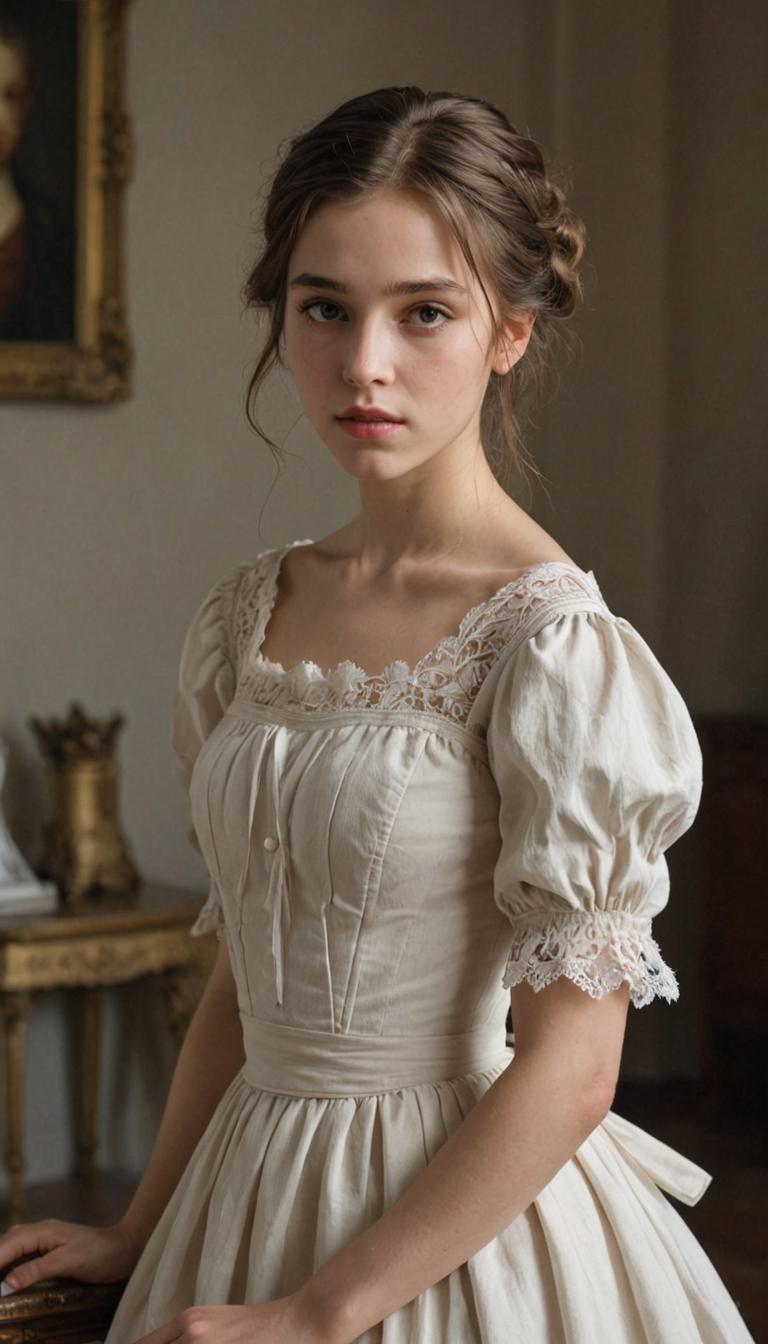
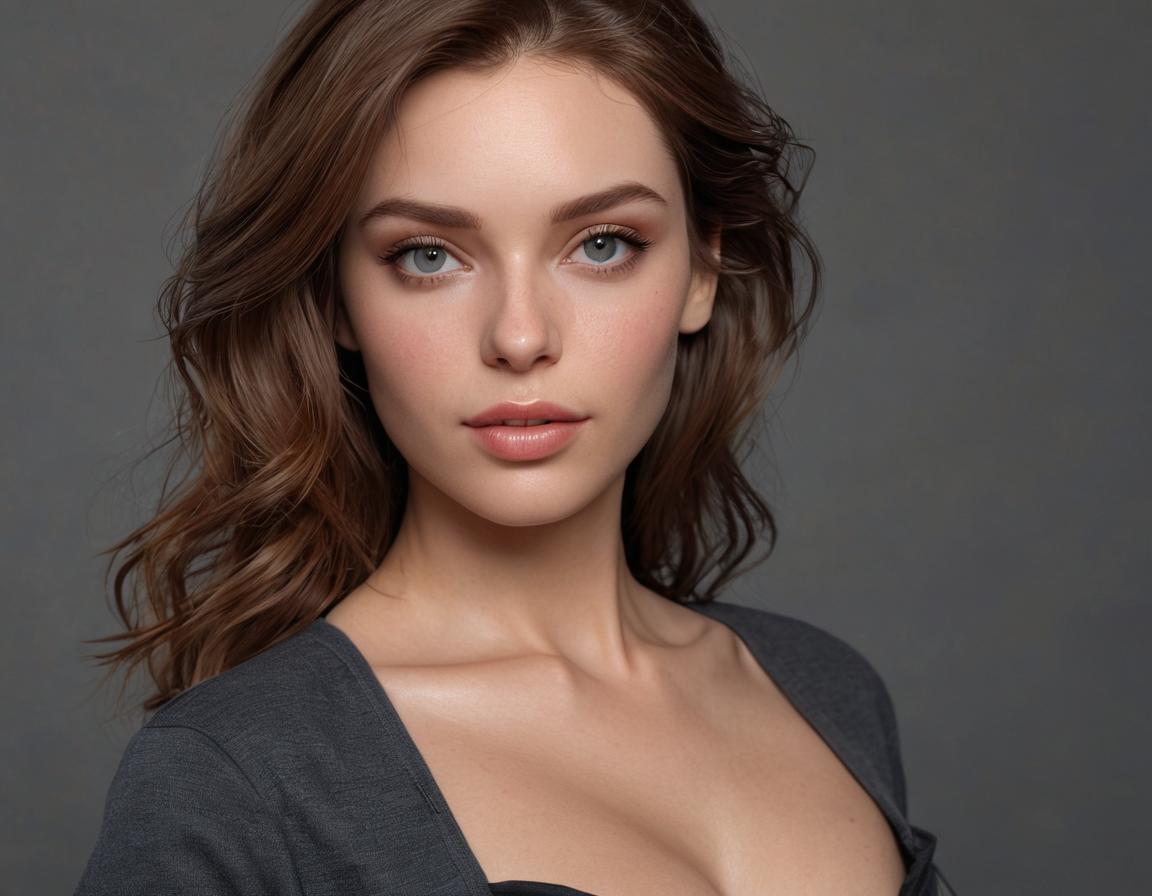
Realistic AI Portrait Art
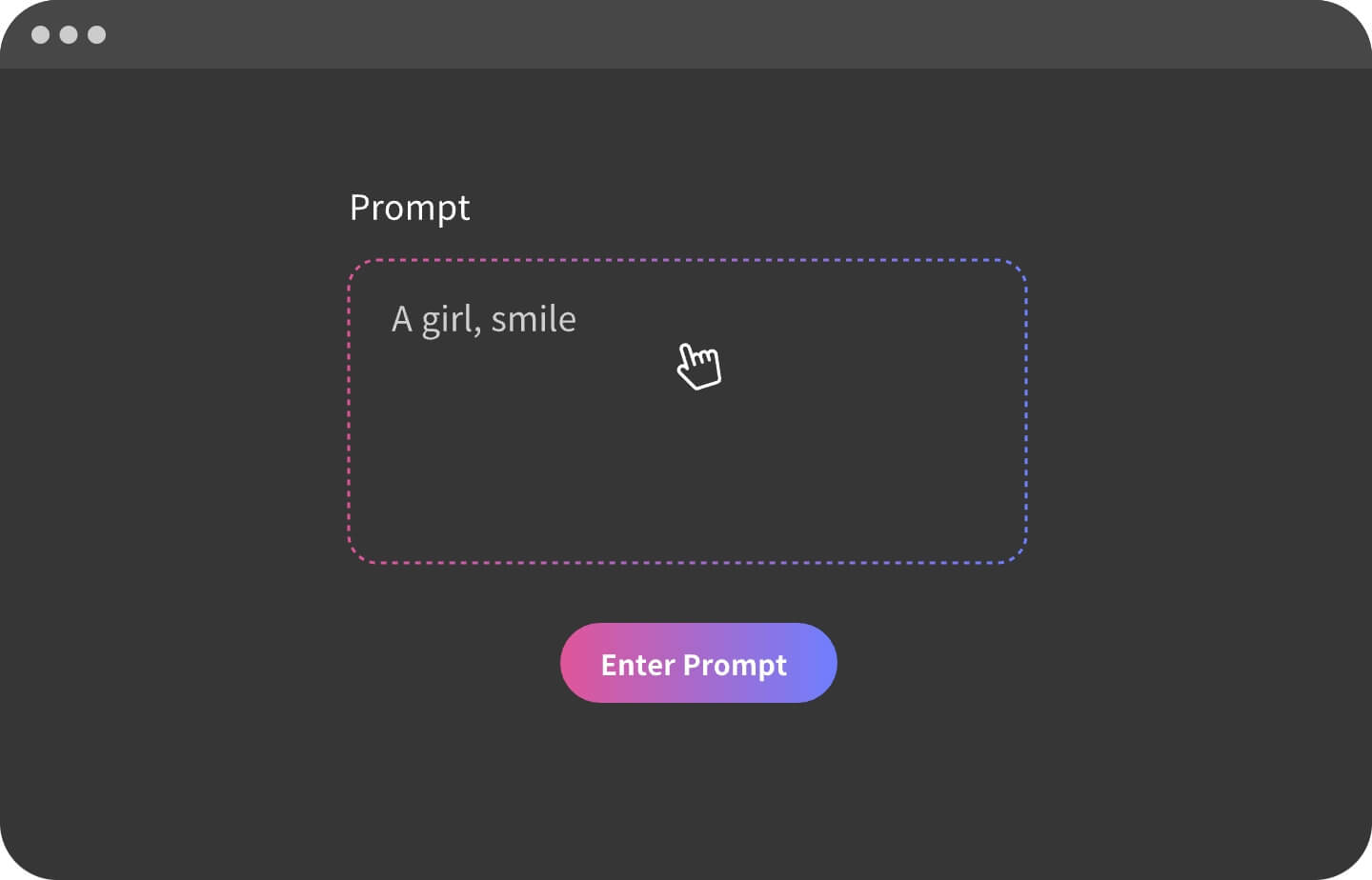
The most consistent prompts work like a photography brief: subject → styling → environment → lighting → camera/lens → composition. This structure helps the AI maintain visual consistency and cleaner portrait aesthetics.
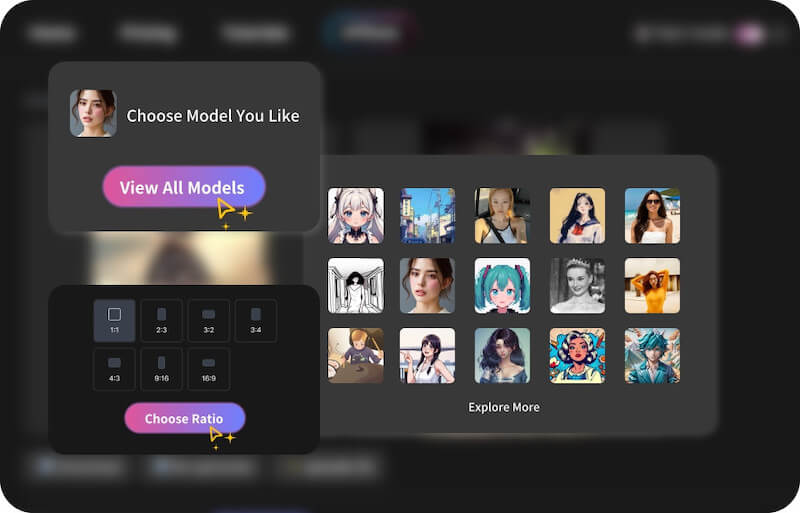
Choose 2–3 strong style anchors such as “fashion editorial,” “cinematic portrait,” or “studio photography.” Avoid mixing too many conflicting styles in one prompt to keep outputs visually coherent.
Generate several variations first, then refine one detail per iteration—lighting, pose, camera framing, or wardrobe. This workflow produces more predictable improvements and better-quality results.
Add cleanup keywords like low-res, blurry, extra fingers, distorted face, watermark, overexposed highlights, or harsh shadows to improve image quality and reduce common AI artifacts.
Use prompt language such as “editorial portrait,” “fashion photography,” “tasteful styling,” or “cinematic portrait.” Avoid risky or ambiguous wording to maintain polished and commercially usable results.
Discover additional AI tools for portraits, videos, animation, cinematic visuals, and creative image generation.