goenhance logo

AI Video to Anime Converter

Turn real videos into breathtaking anime clips with GoEnhance AI. Lightning-fast, 4K-ready, and perfect for creators, brands, and anime fans alike.
Convert Video to Anime Online Free

What Is a Video-to-Anime Converter?

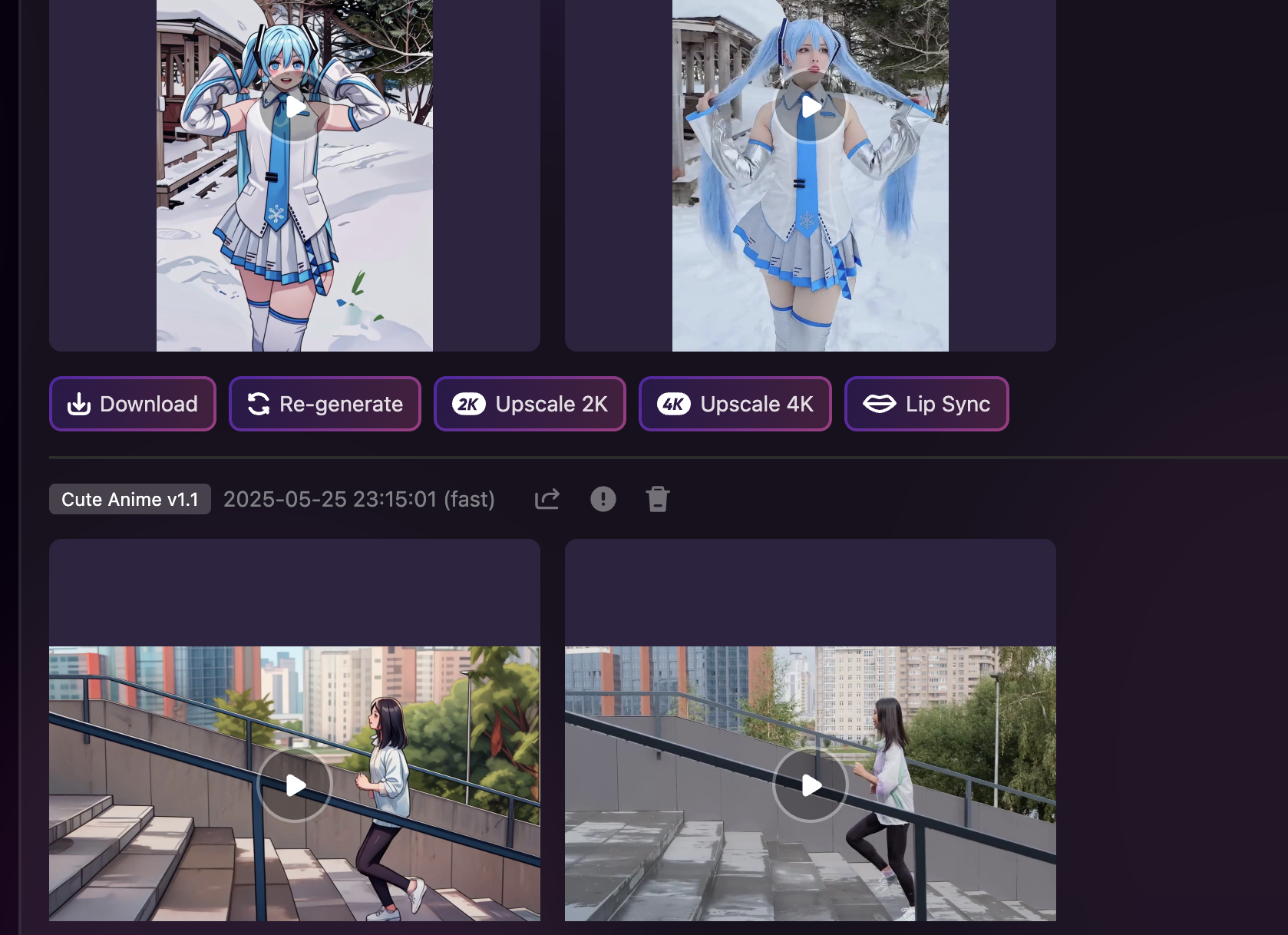
GoEnhance AI redraws video frames with vivid colors, clean line art, and fluid motion to help turn real footage into an anime-style video.

Why GoEnhance Is the Best Video-to-Anime Tool
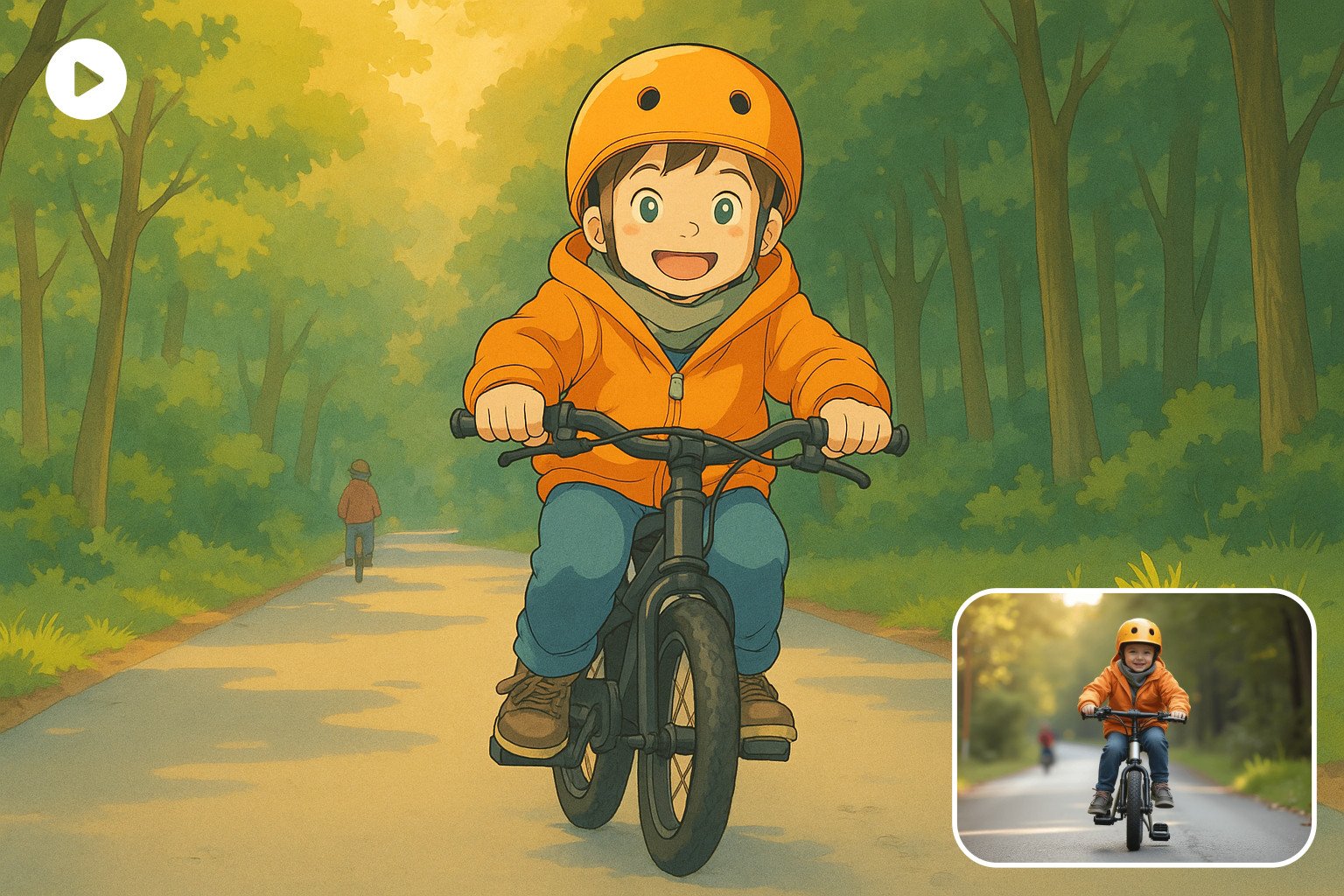
Anime Quality That Pops

Rich colours, accurate facial mapping, and smooth anime motion make your video stand out on TikTok, YouTube, or Instagram.

Before-and-after video-to-anime conversion

Fast & Flexible

Generate 1080p or 4K anime-style videos in minutes. Choose anime presets, keep the background, restyle the subject only, or test a faster anime workflow for short clips.

Fast AI anime generation workflow

Developer-Ready API

Integrate our video-to-anime endpoint into any SaaS or mobile app. Token billing, flexible resolutions, and detailed documentation are available for implementation.
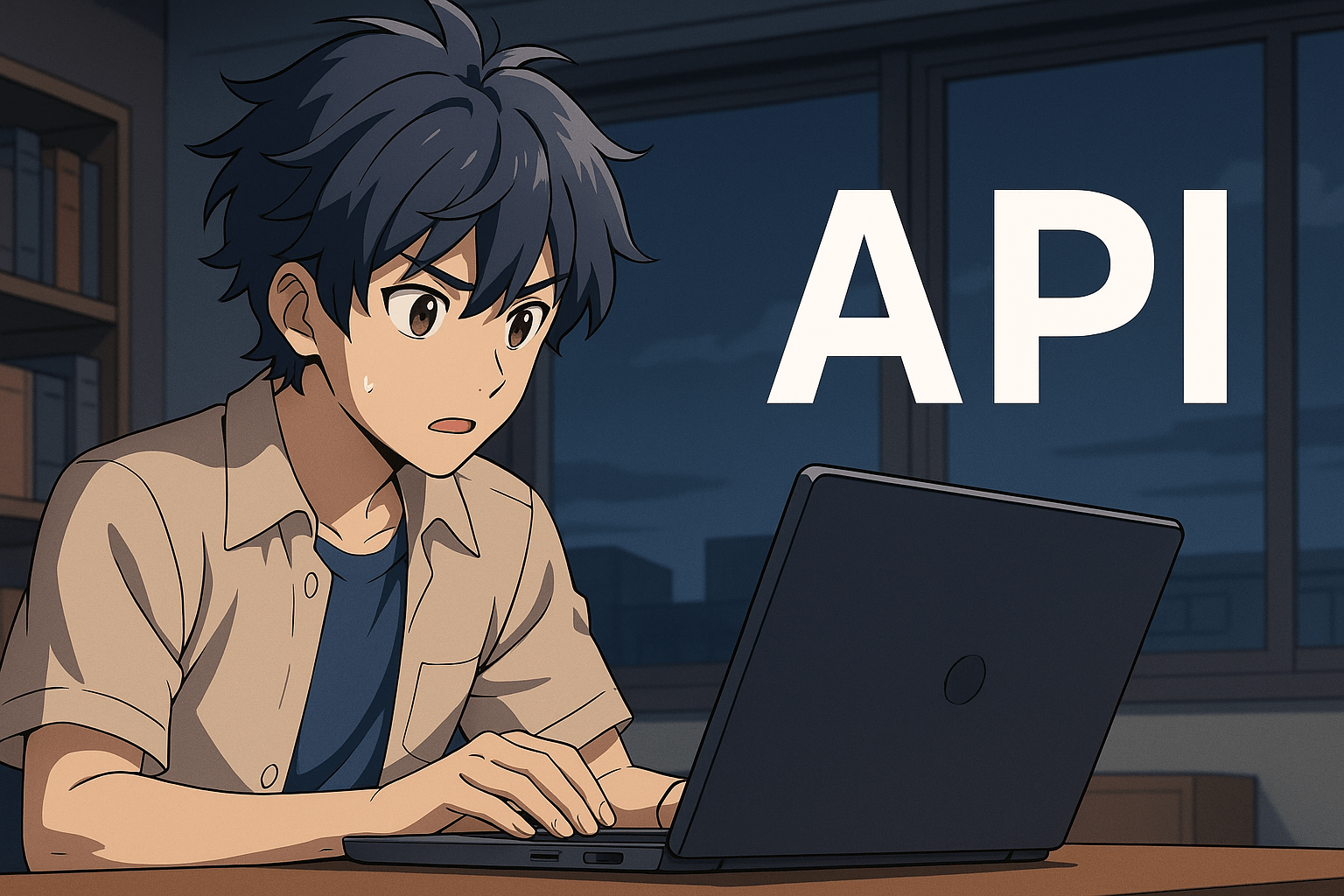
Video to Anime API dashboard

Part of an All-in-One Creative Suite

Use our AI Video Generator to create a clip from an image or prompt, then convert it to anime for a unique workflow.
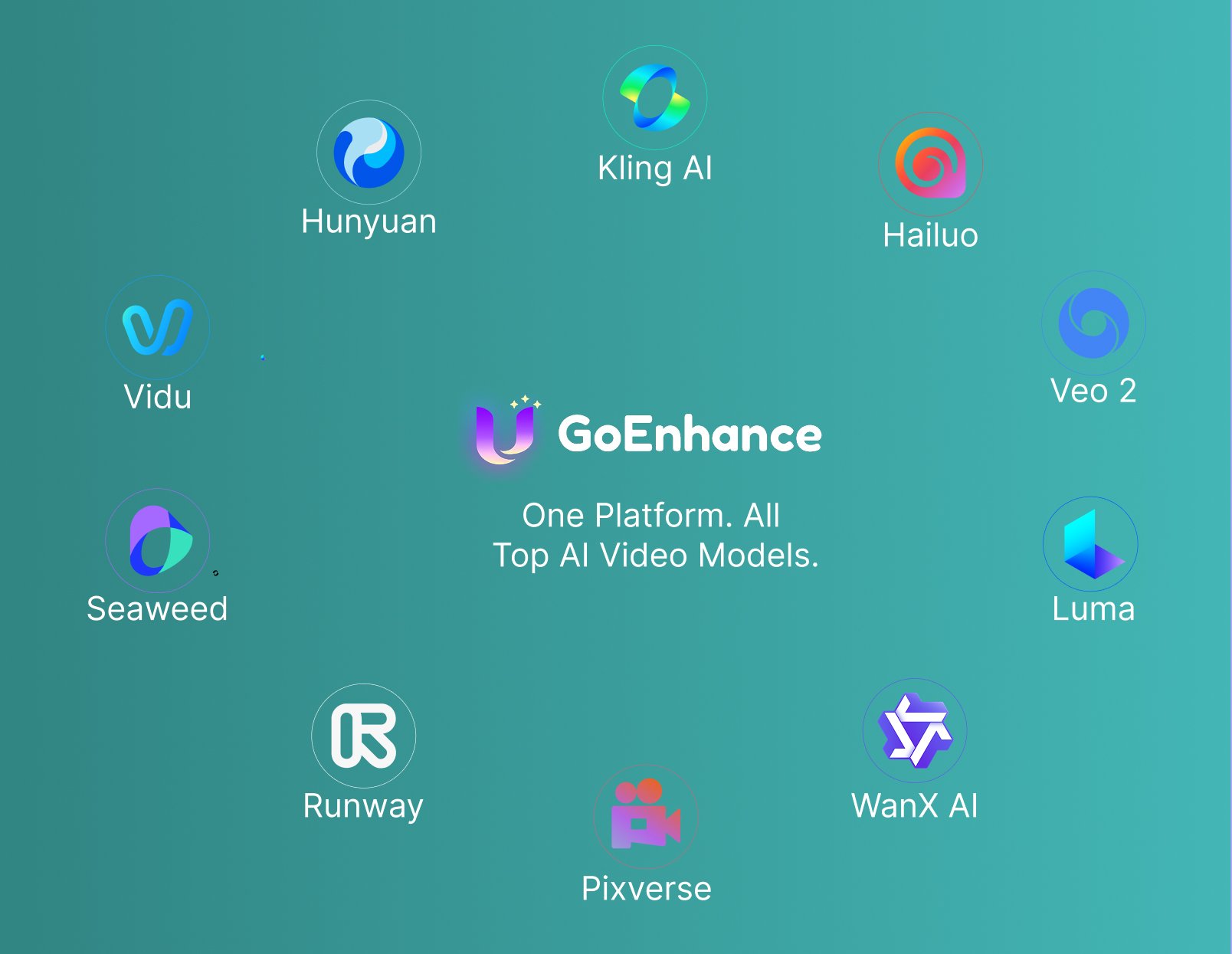
GoEnhance AI creative suite overview

How to Convert Video to Anime

1 1

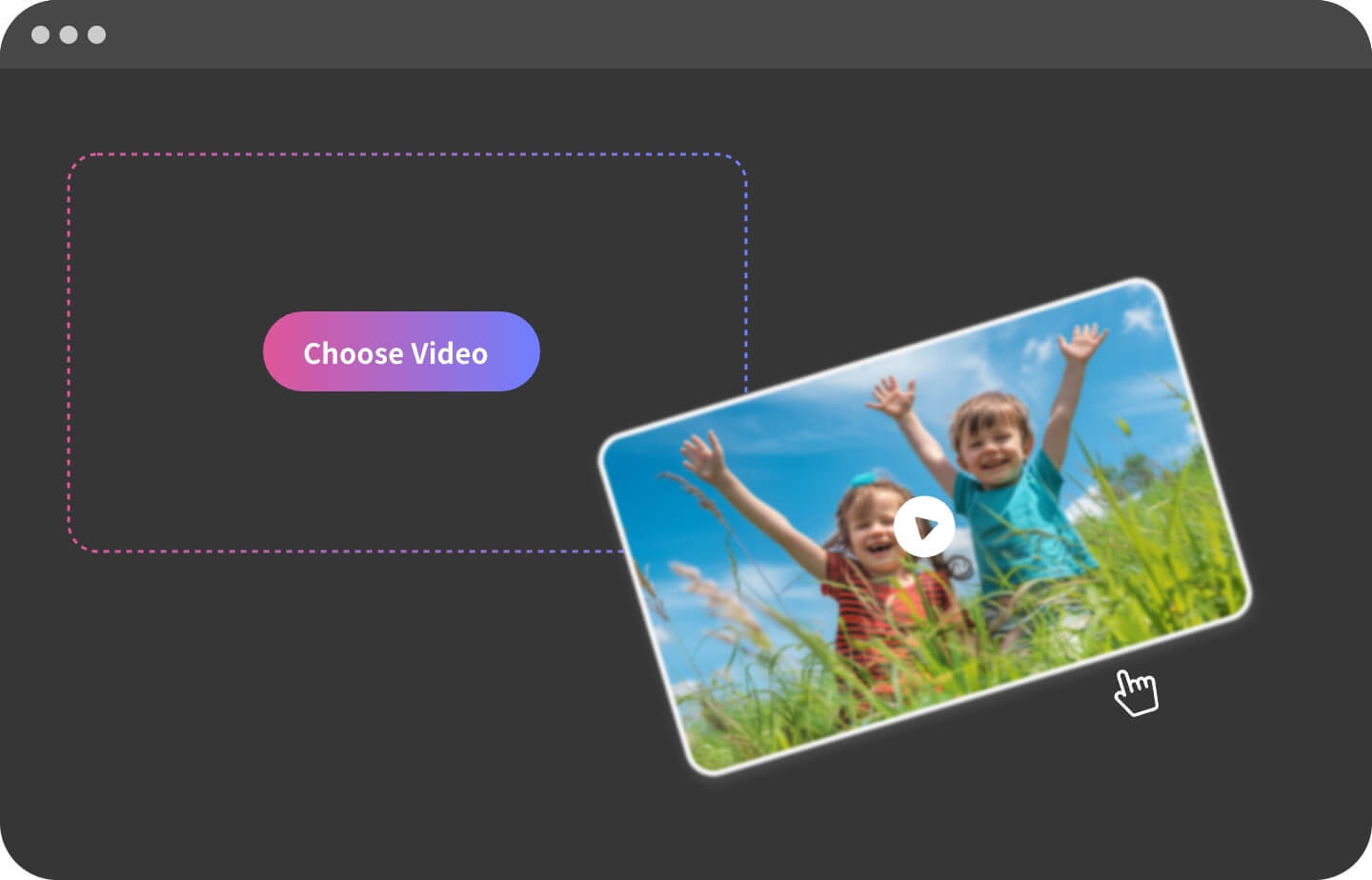
Upload Your Video

Select a clip with clear subjects. Supported formats: MP4, MOV, WebM.
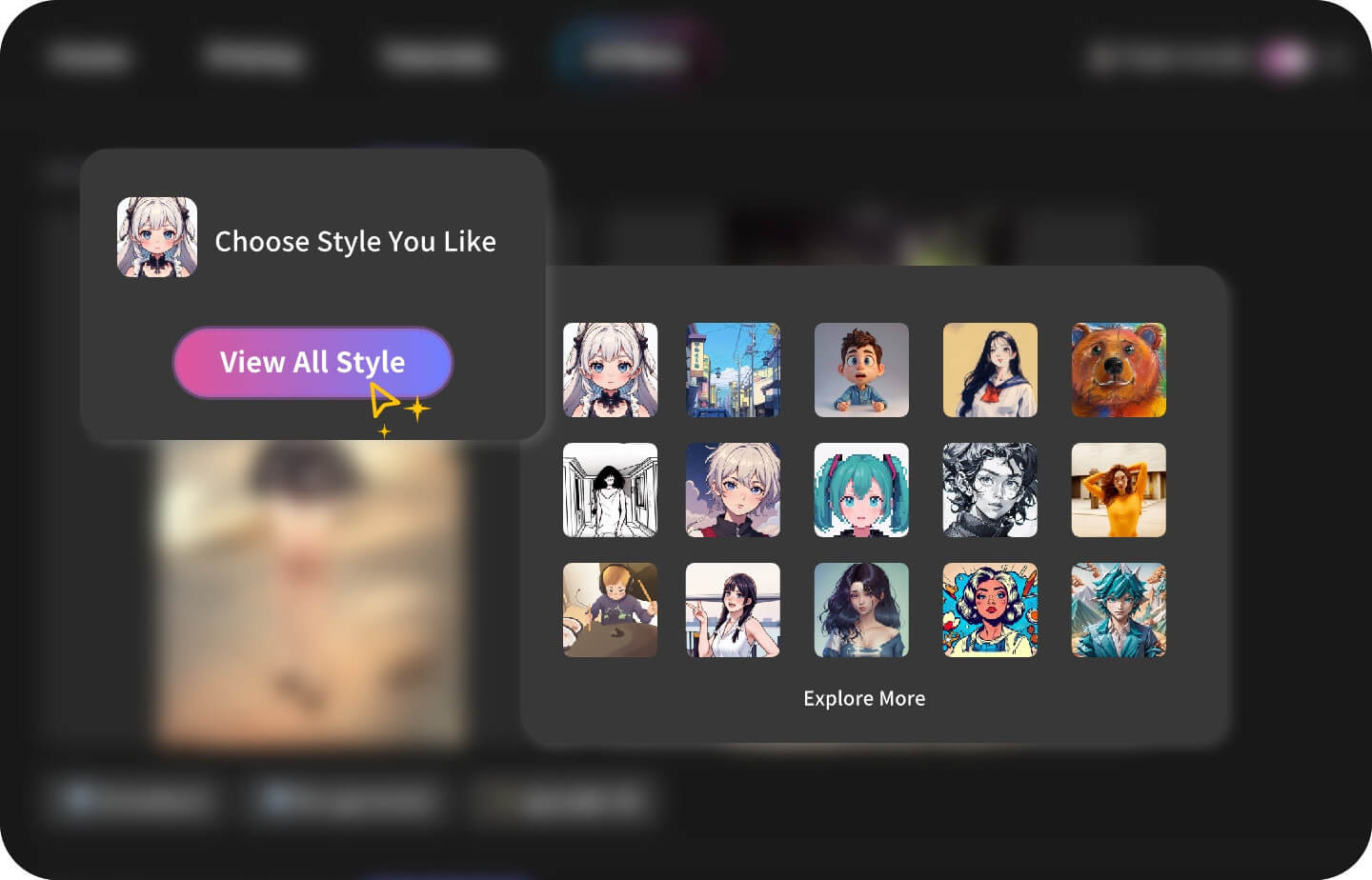
2 2

Choose an Anime Preset

Pick from anime presets such as shounen action, soft fantasy anime, retro 90s anime, dark action anime, cyberpunk anime, and cinematic anime looks.
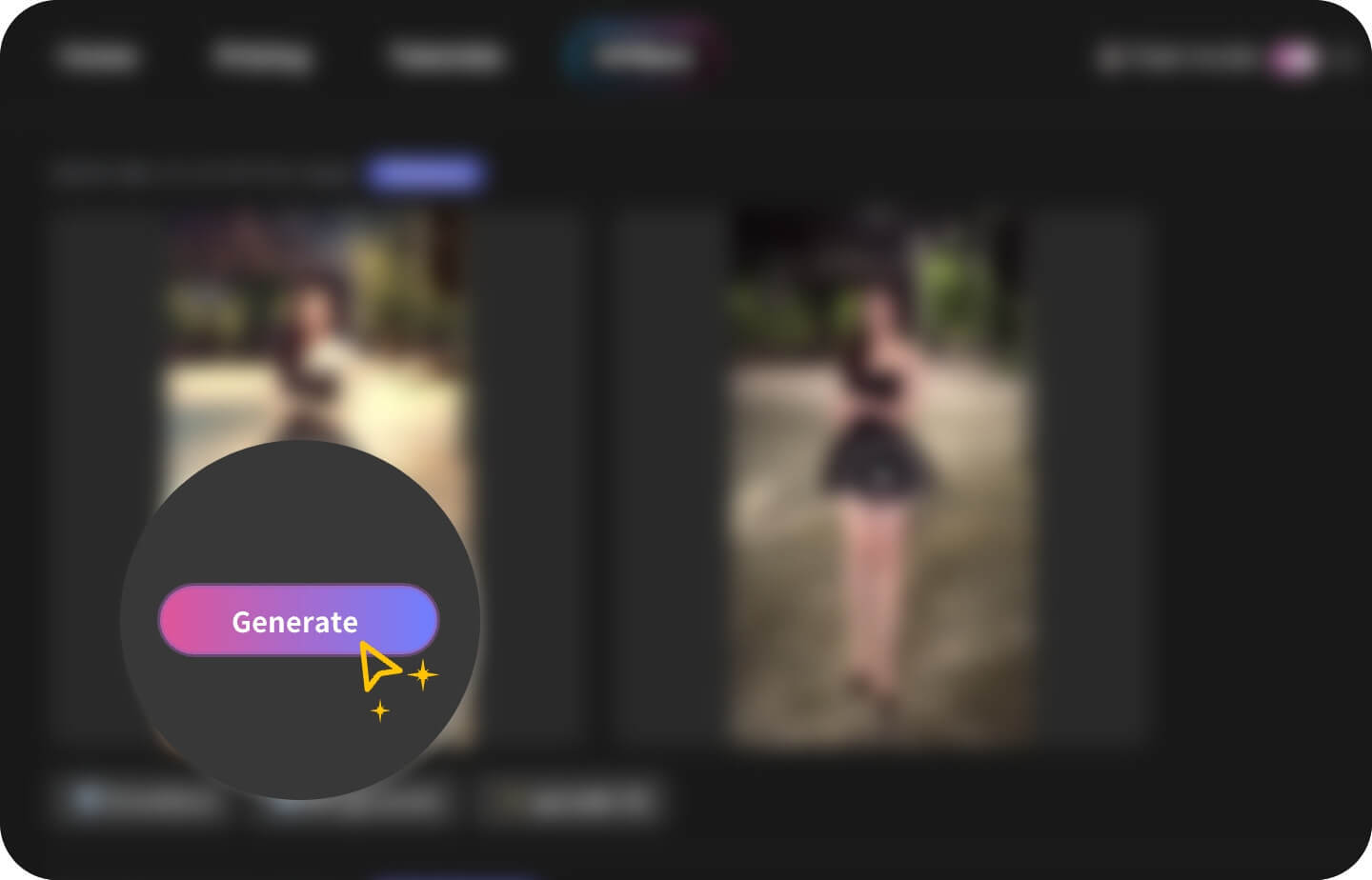
3 3

Generate & Download

Hit “Generate” and get a share-ready anime video in minutes.
Creators, Fans & Professionals

Who Uses GoEnhance Video-to-Anime?

Vloggers

Add a signature anime flair to daily vlogs.

Pet Owners

Turn cute pet moments into shareable anime-style shorts.

Short-Drama Producers

Make viral TikTok dramas with anime visuals.

Cosplayers & Streamers

Convert cosplay footage into anime-style clips for short videos, streams, and social posts.

Anime Fans

Re-imagine real life in anime form—no drawing skills needed.

Designers & Marketers

Create eye-catching promos and animated intros.

Looking for Other AI Video Styles?

Everything You Need to Know

Video-to-Anime FAQ

Which anime styles can I choose?

You can choose anime-style directions such as shounen action, soft fantasy anime, retro 90s anime, dark action anime, cyberpunk anime, and cinematic anime looks. Use source videos you own or have permission to use, and avoid copying protected characters or misleading identity edits.

What videos work best?

Clear lighting, stable footage, visible faces, and simple backgrounds usually produce the sharpest anime lines. Short clips around 5–30 seconds process fastest and are easier to review before creating longer anime videos.

What is the best video to anime converter for short clips?

The best video to anime converter should keep the original motion readable while adding clean line art, anime-style color, and stable character details. GoEnhance AI is useful for short clips, TikTok edits, vlogs, pet videos, cosplay footage, and short drama scenes.

Can I turn a normal video into anime?

Yes. Upload a normal video from your phone, camera, or screen recording, then choose an anime preset to turn the footage into an anime-style video. Clear subjects, steady lighting, and simple motion usually work best.

Will the anime result keep the original motion?

GoEnhance AI aims to preserve the original timing, pose changes, and main subject motion while applying an anime look. Results may vary depending on camera movement, blur, lighting, background complexity, and the selected anime preset.

Is it free?

A free plan lets you try basic presets. Upgrade for 4K output, faster speed and commercial rights.

Can I use anime videos for commercial projects?

Paid plans can support commercial workflows, but you should still review the platform terms and make sure your source footage, characters, music, brands, and likenesses are cleared for your intended use.

Do I need editing skills?

No. Upload your video, choose an anime preset, generate a preview, and download the result. For better results, start with clear footage and avoid heavy blur, dark scenes, or crowded backgrounds.

Convert Your First Video to Anime Now

Experience studio-quality anime conversion in a single click. No watermark on paid plans.

Try It Free