
Dreamina AI
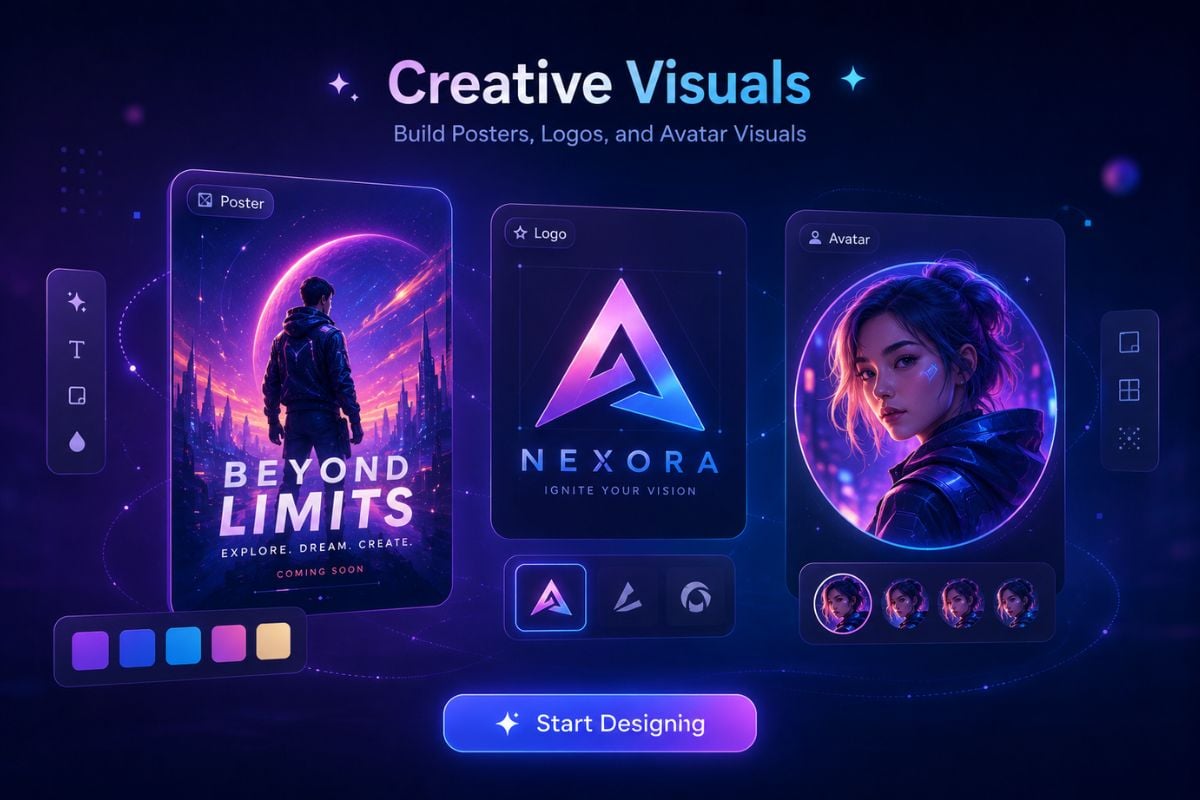
Dreamina is an AI creative platform built for turning text prompts, images, and visual ideas into AI images, short videos, posters, avatars, logos, and social-ready creative drafts.
Turn Prompts, Images, and Ideas Into Ready-to-Use Visuals
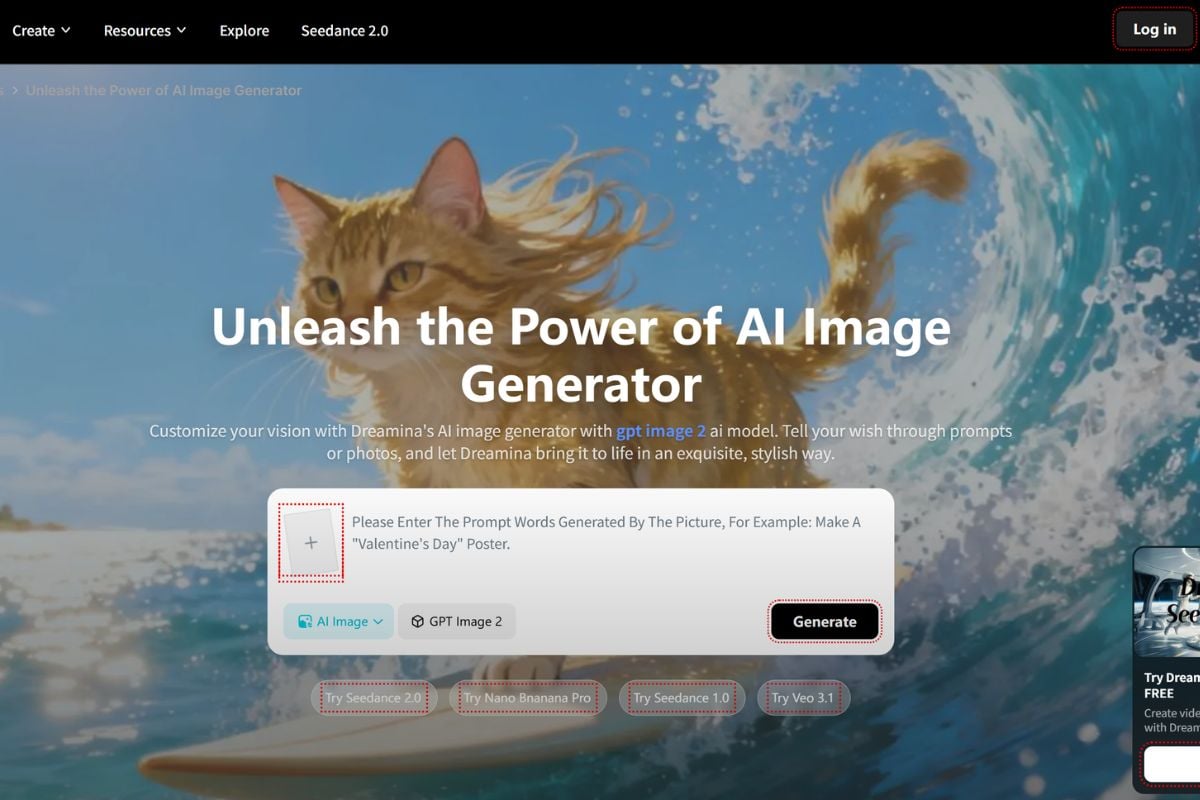
Create Short Videos From Creative Inputs
Dreamina's AI video workflow helps users turn prompts or visual ideas into short video drafts for story moments, campaign testing, mood clips, and social content. If you need to prepare stronger source visuals first, an AI image generator can help shape the image before moving the idea into video.
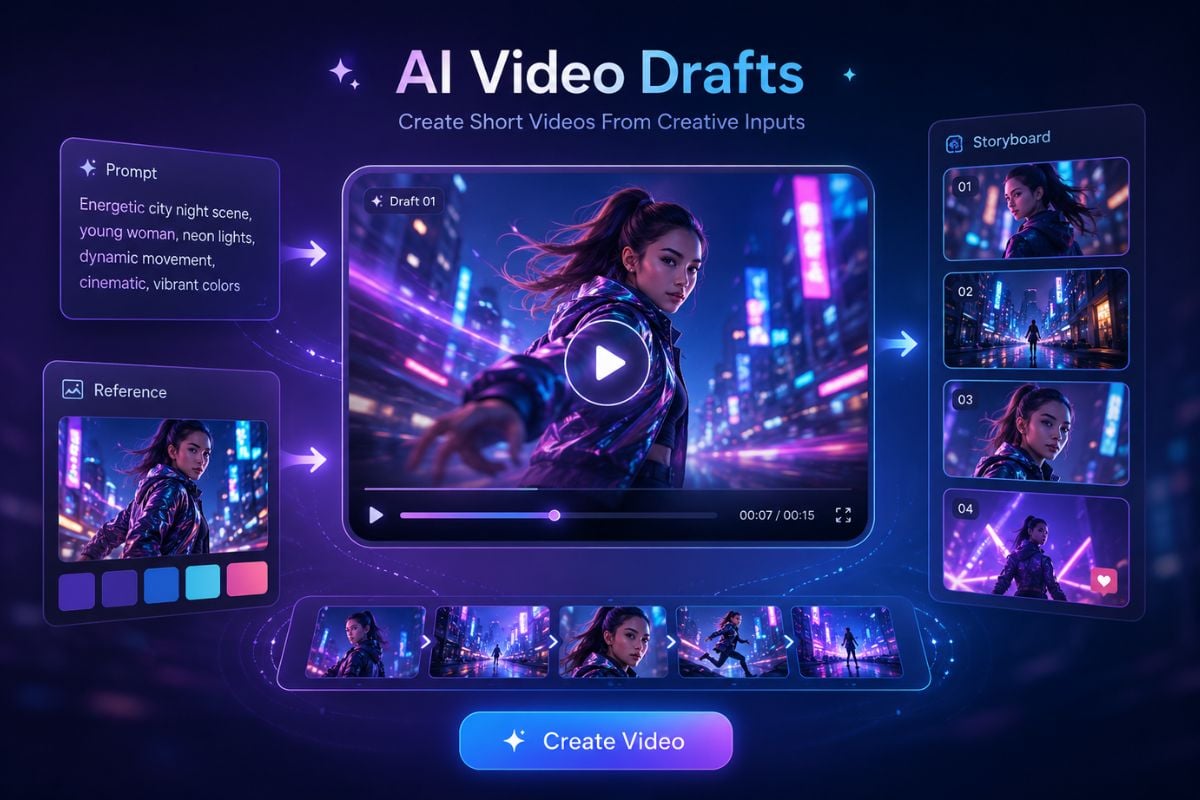
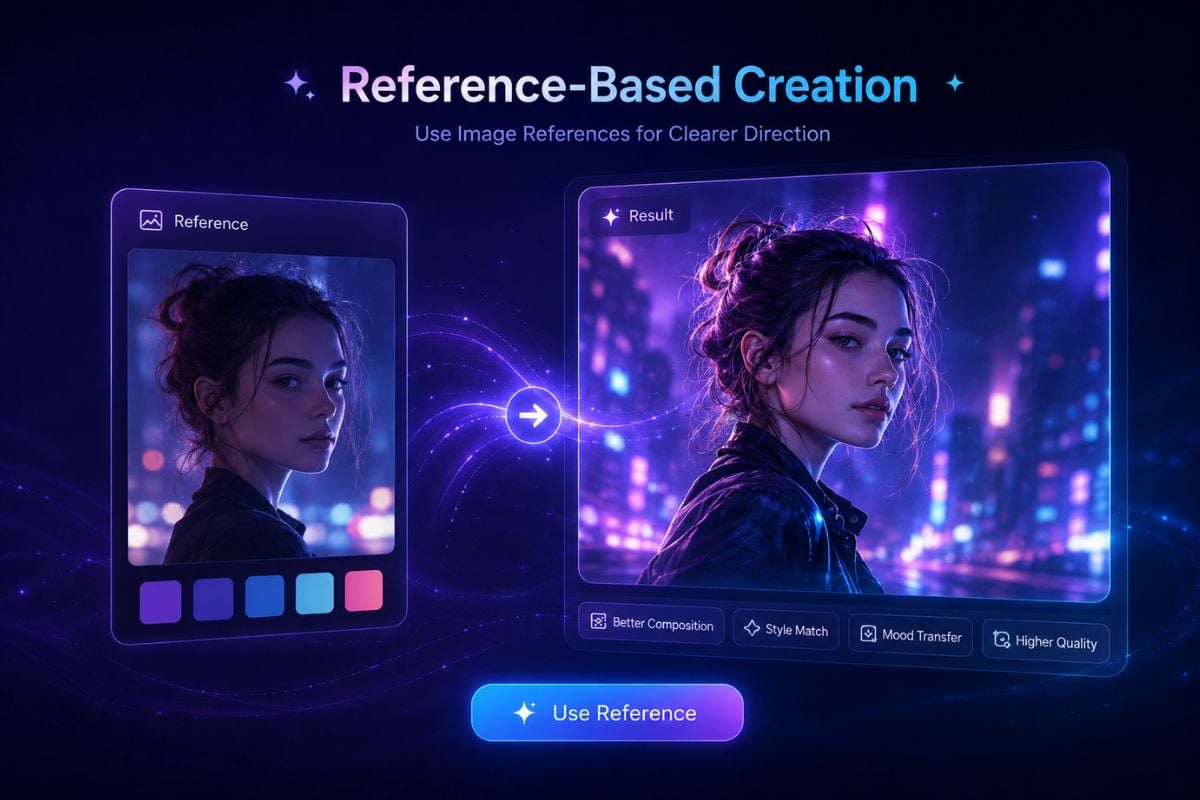
Use Image References for Clearer Direction
When a text prompt is not enough, image-based input can help guide style, composition, character direction, or visual mood. This makes Dreamina useful for creators who already have a reference and want a more controlled visual result, while an AI video generator can help turn those visuals into motion-ready creative drafts.
How To Use Dreamina on GoEnhance AI?
Add a Prompt or Visual Idea
Start with a text prompt, a visual concept, or an image-based idea depending on the type of Dreamina creation you want to make.
Describe the Creative Direction
Explain the scene, subject, style, mood, character, product idea, or content goal so Dreamina can better understand the result you want.
Generate and Review the Result
Preview the generated image or video, check whether it matches your idea, then adjust your input or prompt before using the final output.
Why Creators Use Dreamina
Fast Visual Drafting From Simple Ideas
Image and Video Creation in One Workflow
Useful for Social and Marketing Content
Flexible Prompt and Image-Based Creation
Broad Style Exploration
Accessible for Non-Designers
Dreamina Discussions on Reddit
Dreamina Discussions on X
Dreamina vs Media.io vs GoEnhance AI
You May Want To Know
What is Dreamina?
What can I create with Dreamina?
Is Dreamina mainly an image tool or a video tool?
Is Dreamina AI free?
Who should use Dreamina?
Do I need design or video editing experience to use Dreamina?
How can I get better results with Dreamina?
Can I use Dreamina for marketing or commercial work?
Is Dreamina safe to use?
What should I avoid when using Dreamina?
Create AI Video and Image Ideas With GoEnhance AI
Start with a prompt or image and create visual content with GoEnhance AI. Try AI image generation, image-to-video creation, and video transformation in one simple creative workflow.
Start Creating