AI Watermark Remover

Upload a photo and the AI finds the watermark on its own, removes it and rebuilds the background. No brushing or masking. It handles logos, app badges, Gemini sparkles, date stamps, emoji and captions. The result keeps your original resolution, and each image costs 4 tokens.

Photographer's logo

Photographer's logo
App badge
App badge
AI image sparkle
AI image sparkle
Date stamp
Date stamp
Upload a photo with a watermark
By uploading a file, you agree to GoEnhance's Terms of Use and Privacy Policy

How to Remove a Watermark from a Photo

Three steps, no selection tools.
01

Upload your image

JPG, PNG or WebP. The finished image keeps the same pixel size and, for these three formats, the same file type.

02

Let the AI find the mark

Detection is automatic, so there is nothing to select. For a Gemini sparkle, text, emoji or date stamp, the dedicated pages below tell the AI exactly what to look for.

03

Download, or remove the next one

Most images are ready in 1 to 3 minutes. If a second mark is left, click Remove another watermark to run the result again.

What It Removes Well

MarkResult in our testsTip
Corner logo or app badgeRemoved cleanlyWorks on photos, renders and screenshots
Gemini or Nano Banana sparkleRemoved cleanlyUse the Gemini Watermark Remover page
Orange camera date stampRemoved cleanlyOld scans and phone photos both work
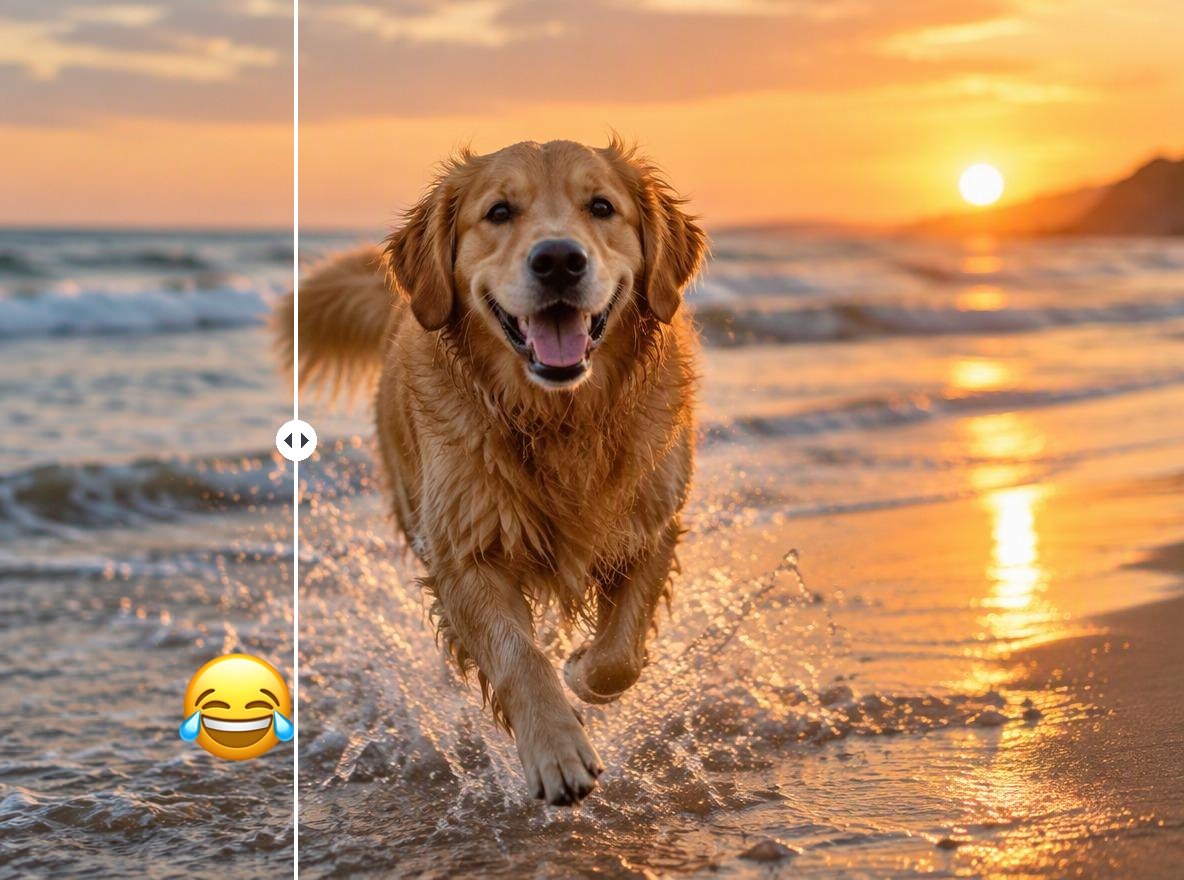
Emoji or stickerRemoved, and the covered area is redrawnAnything fully hidden under it is invented
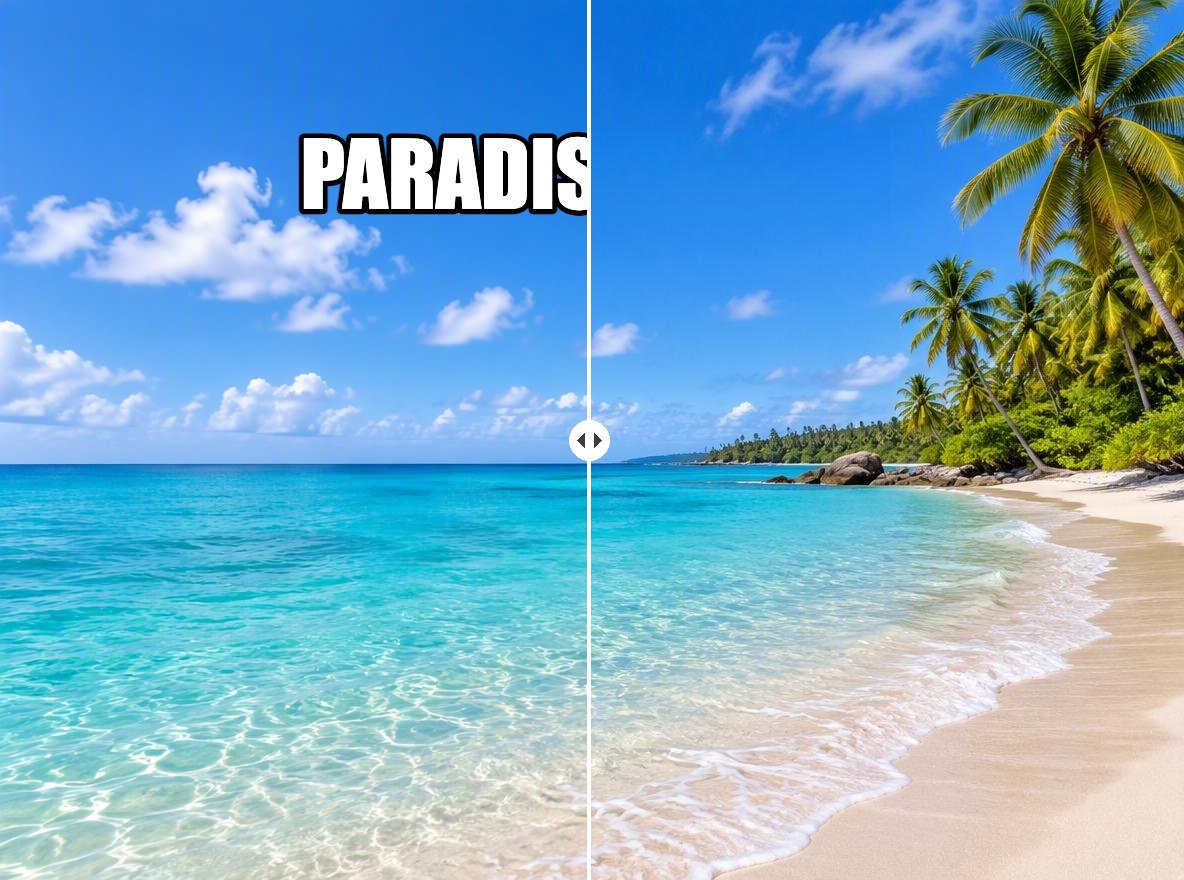
Caption or overlaid textRemoved; looks best on sky, walls or plain backgroundsBusy scenery behind large text can look soft
Watermark tiled across the whole imageOnly one copy is removed per passNot a good fit for tiled watermarks

GoEnhance vs Photoshop Remove Tool vs Canva Magic Eraser

GoEnhance Watermark RemoverPhotoshop Remove toolCanva Magic Eraser
How you mark the watermarkAutomatic, the AI finds itBrush over it or loop around itBrush, click an object, or select text
Where it runsIn your browserIn the Photoshop appIn the Canva editor
Several marks in one imageOne per pass, run again on the resultSeveral strokes before applyingSelect several objects
Price per image4 tokensNo generative credits used—
Best forClearing a logo, stamp or AI badge in a few clicksDetailed retouching when you already work in PhotoshopCleaning up a photo inside a Canva design

What You Can Clean Up

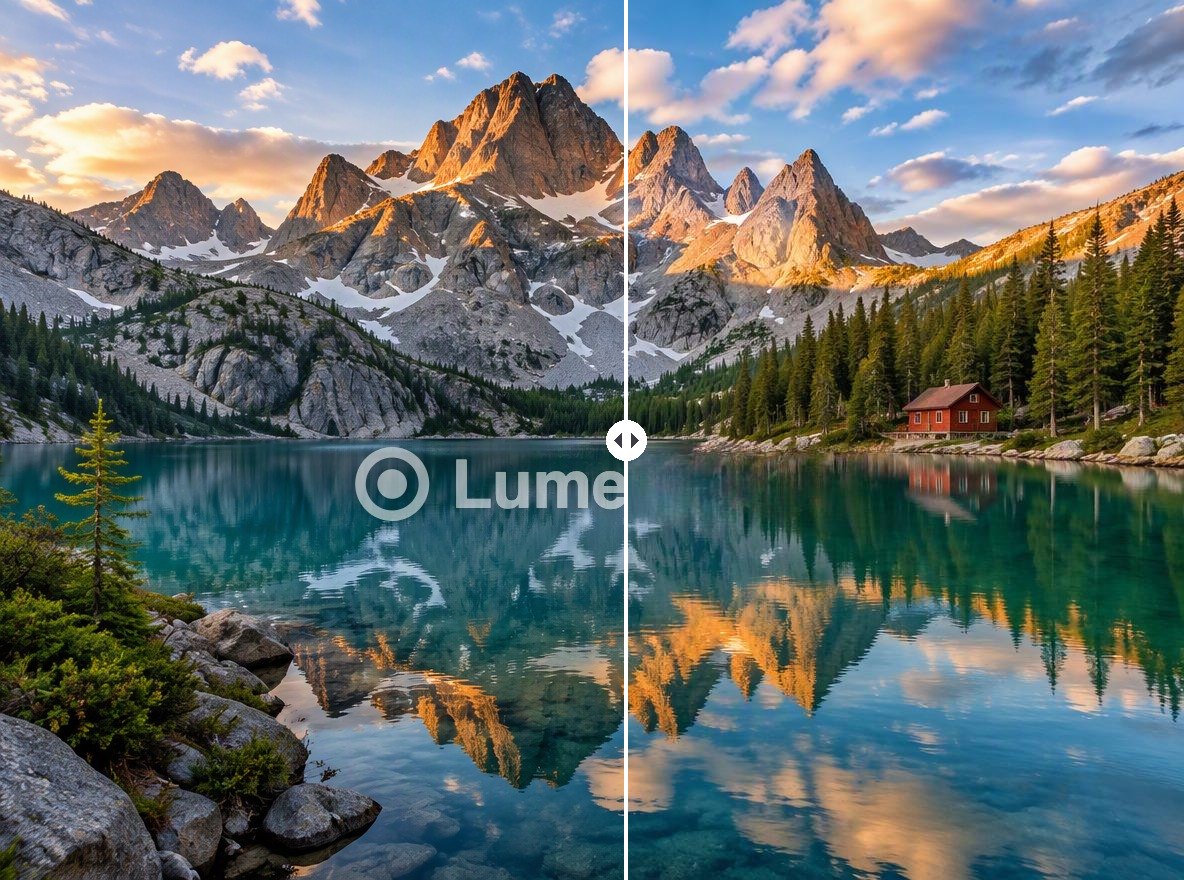
Logos and Studio Marks

Put back a photo you shot yourself when the original file is lost and only the watermarked copy is left. The AI rebuilds the water and reflections under the mark.

a lake photo with a studio logo removed

App and Export Badges

Editing apps often stamp 'Made with' in a corner. Remove it from your own product shots and graphics before you post them.

a perfume product photo with an app badge removed

AI Image Sparkles

Gemini and Nano Banana put a small sparkle on generated images. See the Gemini Watermark Remover for details, including the setting that stops it on new images.

an AI illustration with the corner sparkle removed

Date Stamps

Scanned prints and old digital cameras often carry an orange date. The date stamp remover page has more examples.

a film photo with the orange date stamp removed

Why Use It

No Selecting or Brushing

The AI detects the mark itself, so there is nothing to paint over.

Original Resolution

The output has the same pixel size as your upload.

No New Watermark

GoEnhance does not stamp its own logo on the result.

One Flat Price

4 tokens per image, whatever its size.

Watermark Remover FAQ

How do I remove a watermark from a photo?

Upload the photo to the AI Watermark Remover above. The AI finds the watermark, removes it and fills in the background, and you download the result. There is nothing to select or brush, and most images are ready in 1 to 3 minutes.

Can it remove more than one watermark?

Each pass removes the most visible mark in the image. If there is a second logo or stamp, click Remove another watermark under the result and the cleaned image goes through again, with no re-upload.

Does it work on tiled watermarks that cover the whole image?

Not well. When the same mark repeats across the image, one pass removes only one copy. This tool is built for single marks such as a corner logo, a badge, a date stamp or one caption.

Will the photo lose quality?

The result has the same pixel size as your upload. Only the area under the watermark is redrawn; the rest of the image is kept. PNG, JPG and WebP files come back in the same format.

Is it free?

Each image costs 4 tokens, whatever its size. New accounts get free tokens when they sign up, so you can try it before paying. GoEnhance does not add its own watermark to the result.

Is it legal to remove a watermark?

Removing a watermark from your own image, or from an image you have permission to edit, is fine. Removing a creator's watermark from an image you don't have rights to can break copyright law: in the US, 17 U.S.C. § 1202 prohibits knowingly removing copyright management information to hide infringement. Use this tool on your own photos, your own AI generations, and files you are licensed to edit.

Is my image private?

We do not sell your content. Your image is processed on GoEnhance servers to remove the mark, and the result stays in your account until you delete it. See our Privacy Policy for details.

How is this different from Photoshop or Canva?

Photoshop's Remove tool and Canva's Magic Eraser ask you to brush over or select the area. GoEnhance finds the watermark automatically, so it is faster for a single logo, stamp or badge. For detailed retouching of many small areas, a brush tool gives you more control.

Clean Up Your Photo

Upload an image and let the AI remove the logo, stamp or badge for you.

Remove a Watermark Now